The landscape of gaming on Apple hardware has drastically evolved particularly with the introduction of Apple Silicon M series chips Many gamers especially those balancing demanding careers and family life wonder if their sleek MacBook Air can truly double as a viable gaming machine This comprehensive guide dives into the realities of using a MacBook Air for gaming in 2026 dispelling myths and offering practical advice We explore everything from performance expectations for various game genres to optimization techniques and the rising prominence of cloud gaming This article is designed for the modern gamer who seeks relaxation skill building and social connection without needing a dedicated high end gaming rig Discover how your MacBook Air might be more capable than you think allowing you to stay current with gaming trends and enjoy your favorite titles efficiently This informational resource will help you navigate the possibilities and limitations ensuring you make the most of your existing hardware for an enjoyable gaming experience finding value for money and avoiding hype.
Can MacBook Air handle popular esports titles like League of Legends or Valorant?
A MacBook Air with an M-series chip can comfortably handle League of Legends natively, often at high frame rates with optimized settings, making it a great option for social competitive play. For Valorant, which does not have a native macOS version, you would typically need to use a Windows emulator like Parallels Desktop, or previously Boot Camp on Intel Macs. While Parallels allows some Windows-only games to run, Valorant's anti-cheat system often prevents it from functioning, so for that specific title, a dedicated Windows machine is generally required.
What are the best settings to optimize gaming performance on my MacBook Air?
To optimize gaming on your MacBook Air, prioritize lowering in-game resolution to 1080p or even 720p. Reduce graphical settings such as texture quality, shadow detail, anti-aliasing, and view distance. Ensure no other demanding applications are running in the background. Play while plugged into power for sustained maximum performance and use a game mode if available in macOS settings. These adjustments significantly impact frame rates, providing a smoother experience on your fanless laptop.
Does using an external display impact gaming performance on a MacBook Air?
Yes, using an external display can impact gaming performance on a MacBook Air, particularly if the external monitor has a higher resolution than the MacBook Air's native screen. Driving more pixels requires more graphical processing power from the M-series chip, potentially leading to lower frame rates. For the best performance, try to match the external display's resolution to the game's internal render resolution, or stick to 1080p. If the external display also has a high refresh rate, the MacBook Air might struggle to consistently hit those higher frame rates in demanding titles.
How does the fanless design of the MacBook Air affect long gaming sessions?
The fanless design of the MacBook Air means it relies purely on passive cooling. During long gaming sessions, the M-series chip will eventually heat up. To prevent damage, macOS intelligently throttles the chip's performance, reducing clock speeds to keep temperatures within safe limits. This thermal throttling means that while games might start strong, performance can decrease over extended periods. For casual or shorter gaming bursts, it is generally fine, but for marathon sessions, you will notice a dip in frame rates and overall responsiveness compared to a fanned Pro model or a dedicated gaming machine.
Can I use Boot Camp on my MacBook Air to play Windows-only games?
No, Boot Camp is not available on MacBook Air models (or any Mac models) equipped with Apple Silicon (M1, M2, M3, etc.). Boot Camp was a utility specifically for Intel-based Macs to run Windows natively. For Apple Silicon Macs, your options for running Windows-only games are limited to virtualization software like Parallels Desktop, which can run an ARM version of Windows, or through cloud gaming services. However, even with virtualization, compatibility and performance for many Windows-only games can be inconsistent due to the emulation layer and ARM architecture.
What are the best social or co-op games that run well on a MacBook Air?
The MacBook Air is fantastic for social and co-op gaming, aligning perfectly with current gaming trends. Excellent options include Stardew Valley, a relaxing farming RPG for up to four players; Among Us, the popular social deduction game; and Palia, a cozy MMO that has gained significant traction this month for its relaxed community focus. Other great choices include Minecraft, Terraria, and Borderlands 2 (via the Mac App Store), which offer engaging multiplayer experiences without taxing the MacBook Air's hardware too much, allowing for fun skill-building and social interaction.
How cost-effective is a MacBook Air for gaming compared to a budget gaming PC?
A MacBook Air can be incredibly cost-effective for gaming if you already own one and your gaming preferences align with its capabilities (indie, casual, cloud gaming). The upfront cost of a new MacBook Air is higher than a bare-bones budget gaming PC. However, considering its premium build quality, industry-leading battery life, and excellent performance for productivity tasks alongside gaming, it offers exceptional value as an all-in-one device. If your alternative is buying a separate budget gaming PC, the MacBook Air might save you money and space, especially when leveraging free-to-play titles and cloud services.
In 2026, the question “can MacBook Air be used for gaming” is more relevant than ever for a significant portion of US gamers. If you are like many of us, navigating a busy life filled with work, family, and other commitments, gaming often becomes that cherished escape – a moment to unwind, connect with friends, or build new skills. You might be part of the 87% of US gamers who play regularly, averaging over 10 hours a week, and understand the desire to fit gaming into your existing tech ecosystem without breaking the bank on a dedicated high-end PC. The thought of adding another bulky machine to your home setup, or the complexity of managing driver updates and custom builds, can feel like another chore, not a stress reliever. This is where the sleek, silent, and increasingly powerful MacBook Air enters the conversation, particularly those equipped with Apple’s M-series chips.
For years, Macs were often seen as productivity powerhouses, not gaming platforms. However, with Apple Silicon, that narrative is shifting. We are no longer talking about struggling with integrated Intel graphics; we are looking at custom-designed chips built for efficiency and surprising graphical prowess. This guide is for you – the gamer who values value, performance optimization, and staying current without the hype. We will tackle the common pain points, from setup frustrations and performance woes to finding game recommendations that fit your limited free time and budget. Let us explore how your MacBook Air can be a surprisingly capable gaming companion, helping you balance your love for gaming with the realities of modern life.
Can MacBook Air Really Handle Gaming in 2026?
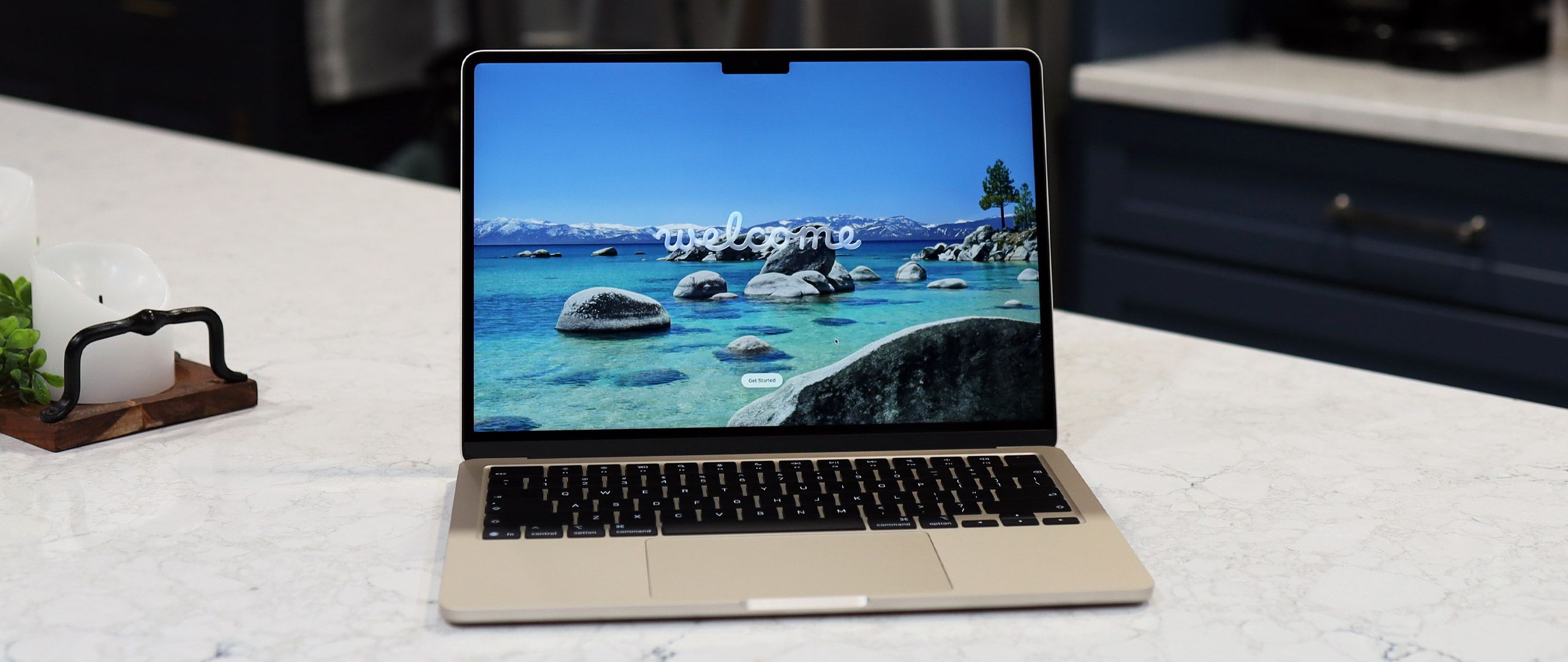
Yes, absolutely, but with realistic expectations. Thanks to Apple Silicon (M1, M2, M3, and newer chips), the MacBook Air has seen a dramatic improvement in gaming capabilities compared to its Intel predecessors. These M-series chips integrate the CPU, GPU, and RAM onto a single system-on-a-chip (SoC), offering incredible efficiency and surprisingly potent graphics performance. This means your MacBook Air can now comfortably run many popular games that were previously unplayable or severely hampered. It is not designed to compete head-to-head with dedicated gaming laptops or desktops packing high-end discrete GPUs, but it punches well above its weight for a fanless ultrabook.
What Kind of Games Run Best on a MacBook Air?
The MacBook Air excels at a specific genre of games, making it a perfect fit for many busy adults seeking relaxation and fun. Think of titles that prioritize art style and engaging gameplay over hyper-realistic graphics. This includes popular indie games like Hades, Stardew Valley, Disco Elysium, and Hollow Knight, which run beautifully. Many strategy games, puzzle games, and even some older AAA titles also perform exceptionally well. Social and cozy games, a popular trend this month, like Palia, Disney Dreamlight Valley, or Among Us, are fantastic on the Air, allowing you to connect with friends without performance issues. Free-to-play (F2P) titles such as League of Legends, Valorant (via Parallels/Boot Camp for Intel Macs, or natively if a Mac version exists), or Genshin Impact often have optimized Mac versions that run smoothly, provided you adjust settings appropriately.
How Can I Optimize My MacBook Air for a Better Gaming Experience?
Optimizing your MacBook Air involves a few key steps to squeeze out every bit of performance. First, ensure your macOS is up to date, as Apple frequently releases performance enhancements. Close all unnecessary background applications and browser tabs before launching a game to free up RAM and CPU cycles. Within the game settings, reduce graphical fidelity. Lowering resolution (especially to 1080p or 720p), texture quality, shadow details, and anti-aliasing can significantly boost frame rates without severely impacting the fun. Additionally, playing with your MacBook Air plugged into power ensures maximum performance, as the system won't throttle to conserve battery life. Consider using a utility like 'CleanMyMac X' to clear system junk and optimize performance for a smoother overall experience.
Is Cloud Gaming a Viable Option for MacBook Air Users?
Absolutely, cloud gaming is a game-changer for MacBook Air users, effectively turning your lightweight laptop into a gateway to high-end gaming. Services like NVIDIA GeForce NOW, Xbox Cloud Gaming, and Amazon Luna stream games directly to your device, with the heavy lifting done on remote servers. This means you can play graphically demanding AAA titles like Cyberpunk 2077 or Alan Wake 2 at high settings, even on an M1 MacBook Air, provided you have a stable and fast internet connection (preferably wired Ethernet or strong Wi-Fi 6). Cloud gaming eliminates concerns about hardware limitations, game compatibility, and storage space, making it an excellent budget-friendly option for accessing a vast library of games. Many US gamers are embracing this trend, finding it perfect for fitting gaming sessions into limited schedules.
Are There Any Major Titles Playable Natively on a MacBook Air?
While a high-end gaming PC will always have an edge, the library of natively playable major titles on MacBook Air is growing, especially with the Game Porting Toolkit and increasing developer support for Apple Silicon. Titles like No Man's Sky, Resident Evil Village, Lies of P, and Death Stranding are now available for macOS and can be played on MacBook Airs, often at lower resolutions or settings. You will not get the same high frame rates or ultra-settings as a dedicated gaming PC, but these are entirely playable experiences. Always check the system requirements on Steam or the Mac App Store, and look for specific benchmarks for M-series chips before purchasing, as performance can vary significantly between titles and M-chip generations.
What External Accessories Enhance MacBook Air Gaming?
Enhancing your MacBook Air gaming experience can be achieved with a few key accessories. A good gaming controller, such as an Xbox or PlayStation controller, is often superior to keyboard and trackpad for many game genres and connects effortlessly via Bluetooth. An external monitor, especially one with a higher refresh rate, can significantly improve visual immersion, though the MacBook Air's internal display is excellent. Just remember that pushing higher resolutions and refresh rates on an external display will increase the graphical load. A quality pair of gaming headphones enhances audio cues and communication for social gaming on platforms like Discord. For cloud gaming, a strong, stable internet connection is paramount, so an Ethernet adapter can be more reliable than Wi-Fi.
When Should I Consider a Different Gaming Setup?
You should consider a different gaming setup if your primary goal is to play the absolute latest AAA titles at maximum graphical settings and high frame rates (e.g., 4K resolution at 120+ FPS) without relying on cloud streaming. If you are into competitive esports where every millisecond of latency and highest possible frame rate matters, a dedicated Windows gaming PC or a console will generally provide a superior and more consistent experience. Furthermore, if you require extensive modding capabilities for specific PC games, or if your favorite niche games are simply not available on macOS or through cloud platforms, then investing in another system might be necessary. The MacBook Air is a fantastic all-rounder, but it has its limits in the most demanding gaming scenarios.
How Does the M-series Chip Impact Gaming on a MacBook Air?
The M-series chip is the single most significant factor revolutionizing gaming on the MacBook Air. Before Apple Silicon, Intel-based MacBook Airs struggled with even basic games due to their weak integrated graphics. The M-series chips, however, feature powerful integrated GPUs (8-core or 10-core in the Air models) that offer significantly better raw performance and efficiency. This allows for native game development and optimization, leading to smoother frame rates, better graphical fidelity, and dramatically improved battery life during gaming sessions. The unified memory architecture also benefits gaming by providing faster access to graphics data. While not a discrete GPU, the M-series' integrated graphics are a substantial leap, making a wide array of games truly playable for the first time on a MacBook Air.
The advancements in Apple Silicon have made the MacBook Air a surprisingly capable gaming device for a specific type of gamer – those who value efficiency, portability, and access to a diverse library of games without the complexity or cost of a dedicated rig. From indie gems and social games to the power of cloud streaming, the MacBook Air offers a compelling pathway to gaming for busy adults. While it will not replace a high-end gaming PC for hardcore enthusiasts, it offers a fantastic balance of work, life, and play. What is your biggest gaming challenge with your MacBook Air? Comment below and let us help each other level up!
FAQ Section
Can a MacBook Air run Steam games?
Yes, a MacBook Air with Apple Silicon can run many Steam games that have macOS compatibility. Performance varies by title, but indie games and many older AAA titles generally run well. Always check the game's system requirements for Mac support on its Steam store page.
Is a MacBook Air good for casual gaming?
A MacBook Air is excellent for casual gaming, including popular indie titles, puzzle games, strategy games, and social experiences. Its M-series chip provides more than enough power for smooth gameplay in these less graphically demanding genres, with great battery life.
How hot does a MacBook Air get while gaming?
Due to its fanless design, a MacBook Air will typically get warm, especially under sustained gaming loads, but generally manages its thermal profile well by throttling performance if necessary. It rarely reaches dangerously hot temperatures, ensuring internal components are protected.
Can I play Genshin Impact on MacBook Air?
Yes, Genshin Impact is natively available for macOS and runs surprisingly well on MacBook Air models with M-series chips. You may need to adjust the graphical settings to medium or low for the smoothest frame rates, but it is entirely playable.
Is 8GB or 16GB RAM better for gaming on MacBook Air?
For gaming on a MacBook Air, 16GB of unified memory is significantly better than 8GB. It provides more headroom for games and background applications, reducing bottlenecks and allowing for smoother performance, especially in more demanding titles or when multitasking.
Can a MacBook Air replace a gaming PC?
No, a MacBook Air cannot replace a dedicated gaming PC for high-end AAA gaming at ultra settings. However, it can serve as an excellent portable gaming machine for casual, indie, and cloud gaming, catering to a different segment of the gaming market.
MacBook Air gaming performance significantly improved with Apple Silicon M series chips. It is suitable for casual indie and many mainstream titles, but not a high-end gaming machine for demanding AAA games. Cloud gaming services expand the gaming library on MacBook Air. Optimization via settings and external accessories enhances the experience. Excellent battery life allows for portable gaming. Budget-friendly approach to gaming leveraging existing hardware.
35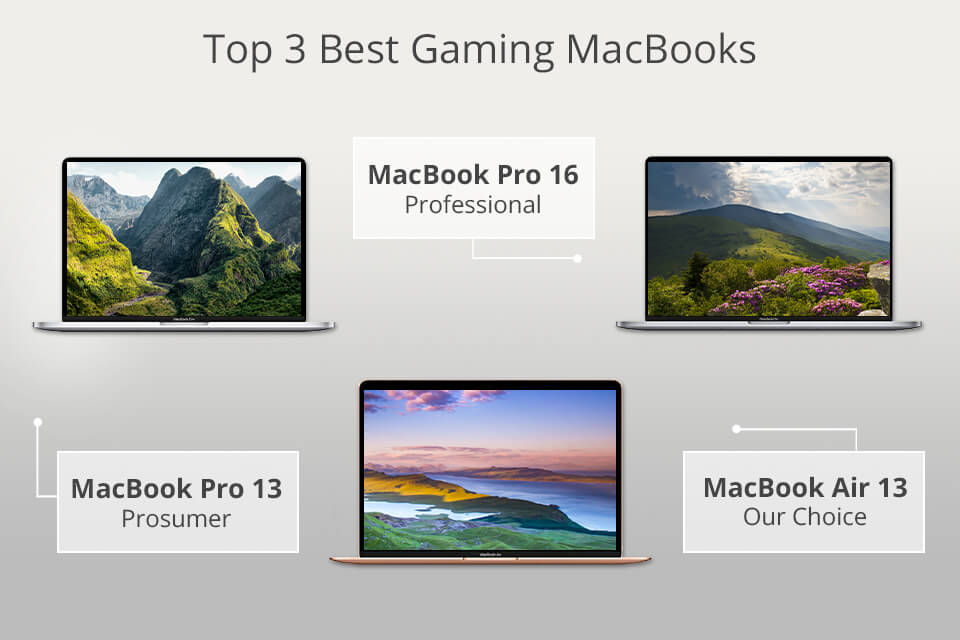
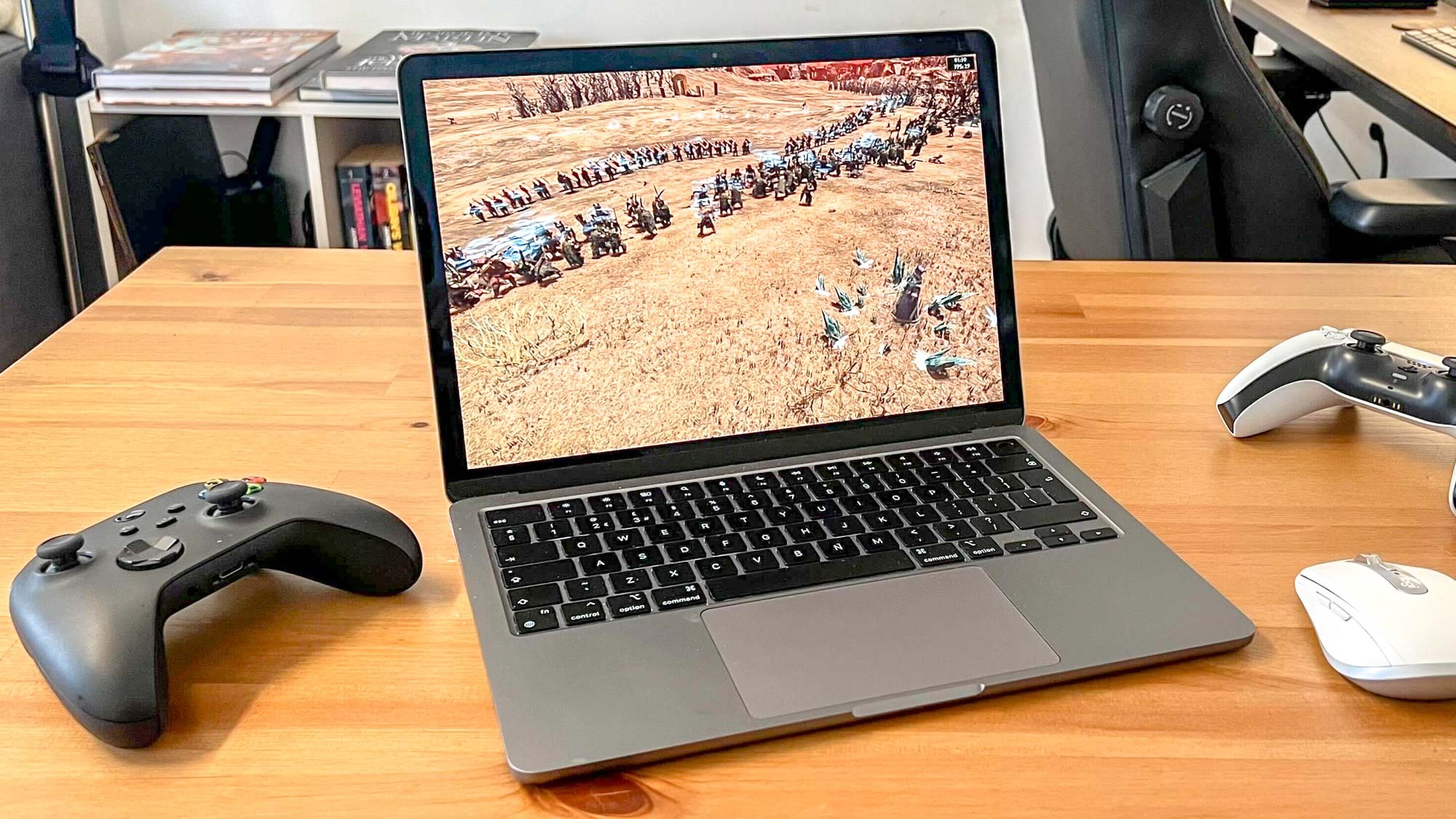
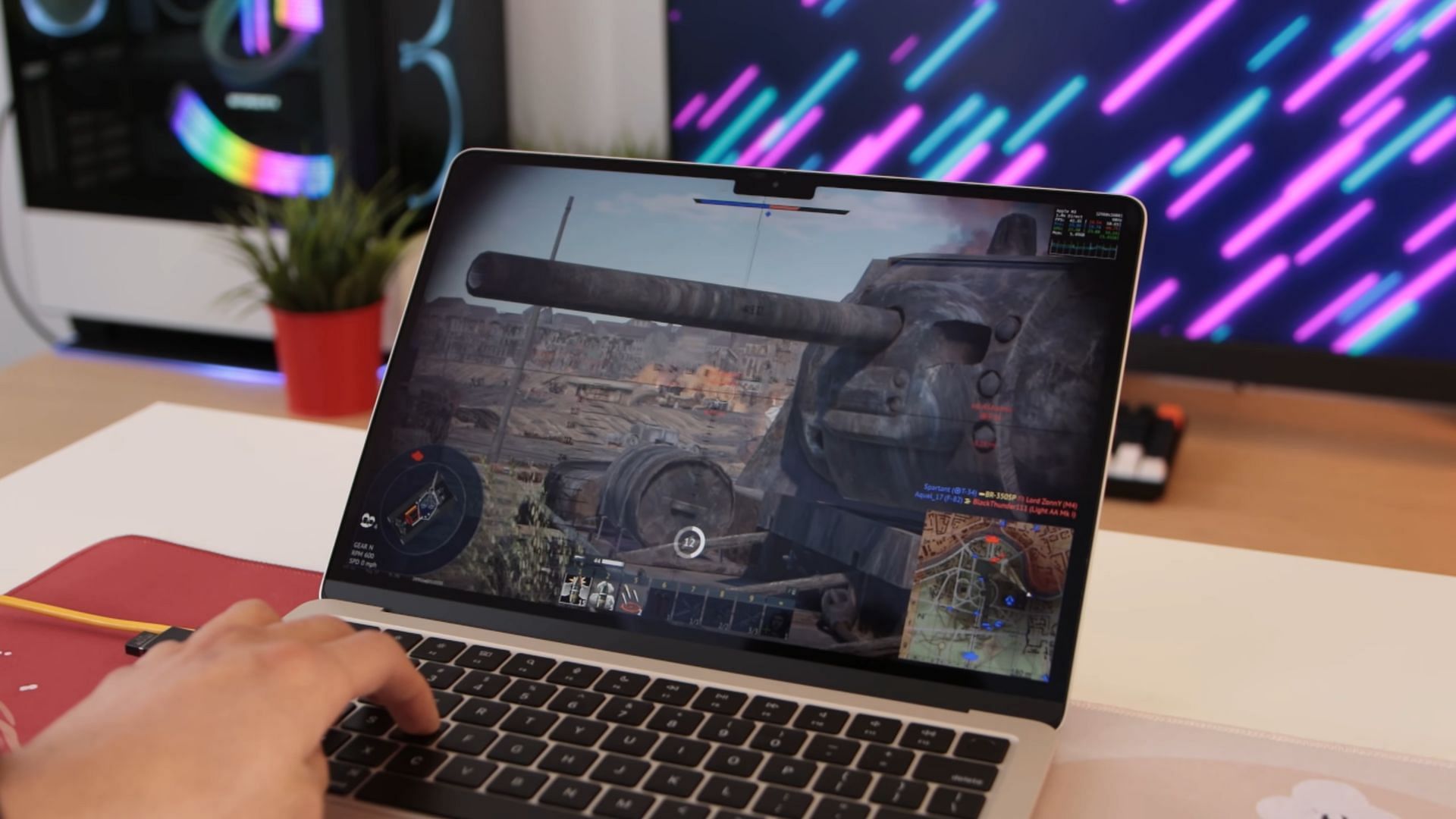
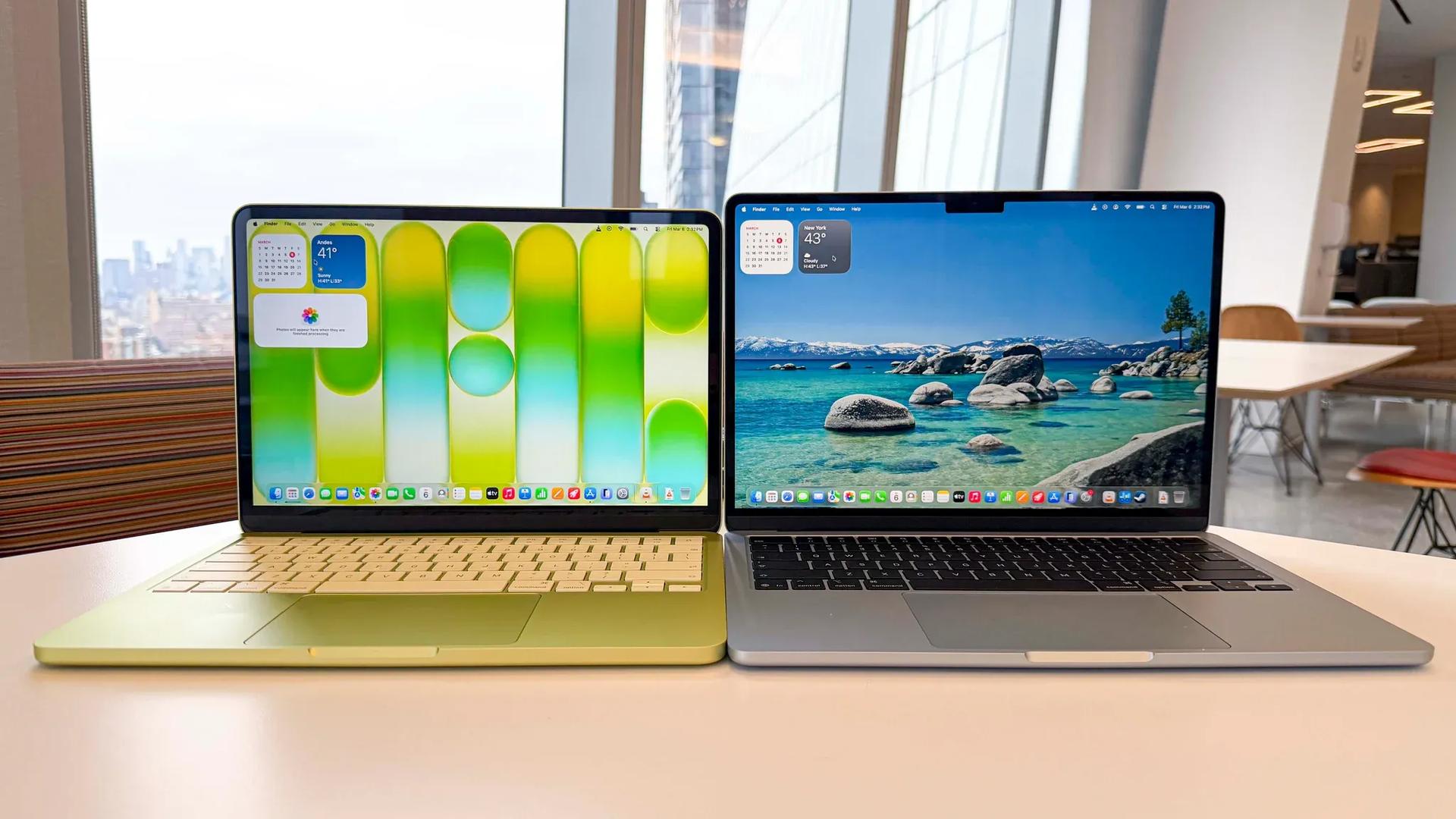
3 Best Gaming MacBooks In 2026 Best Gaming Macbook . I M Surprised How Good My MacBook Air M2 Is At Gaming But It S Being . 3 Best Gaming MacBooks In 2026 Macbook Air 13 Inch Gaming Laptop . M3 MacBook Air Vs MacBook Pro Which Is The Better Gaming Laptop 361dd 1920 . MacBook Neo MacBook Air 2026 GAMES GG Macbook Neo Vs Macbook Air Gamers Hero
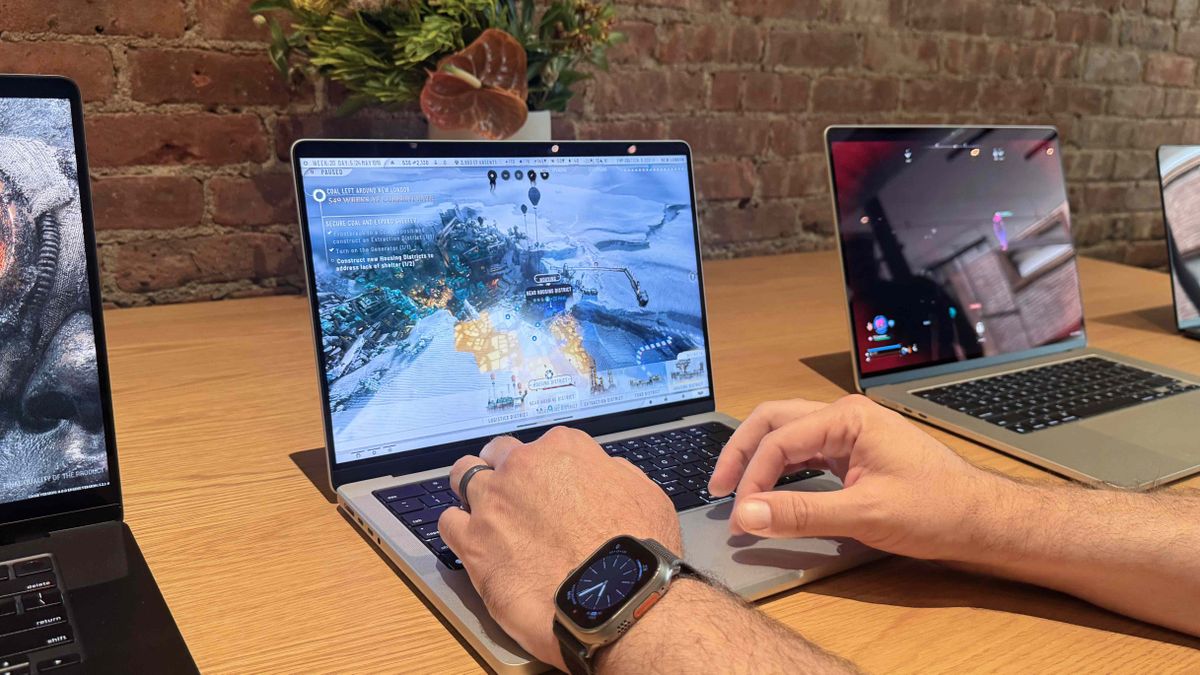
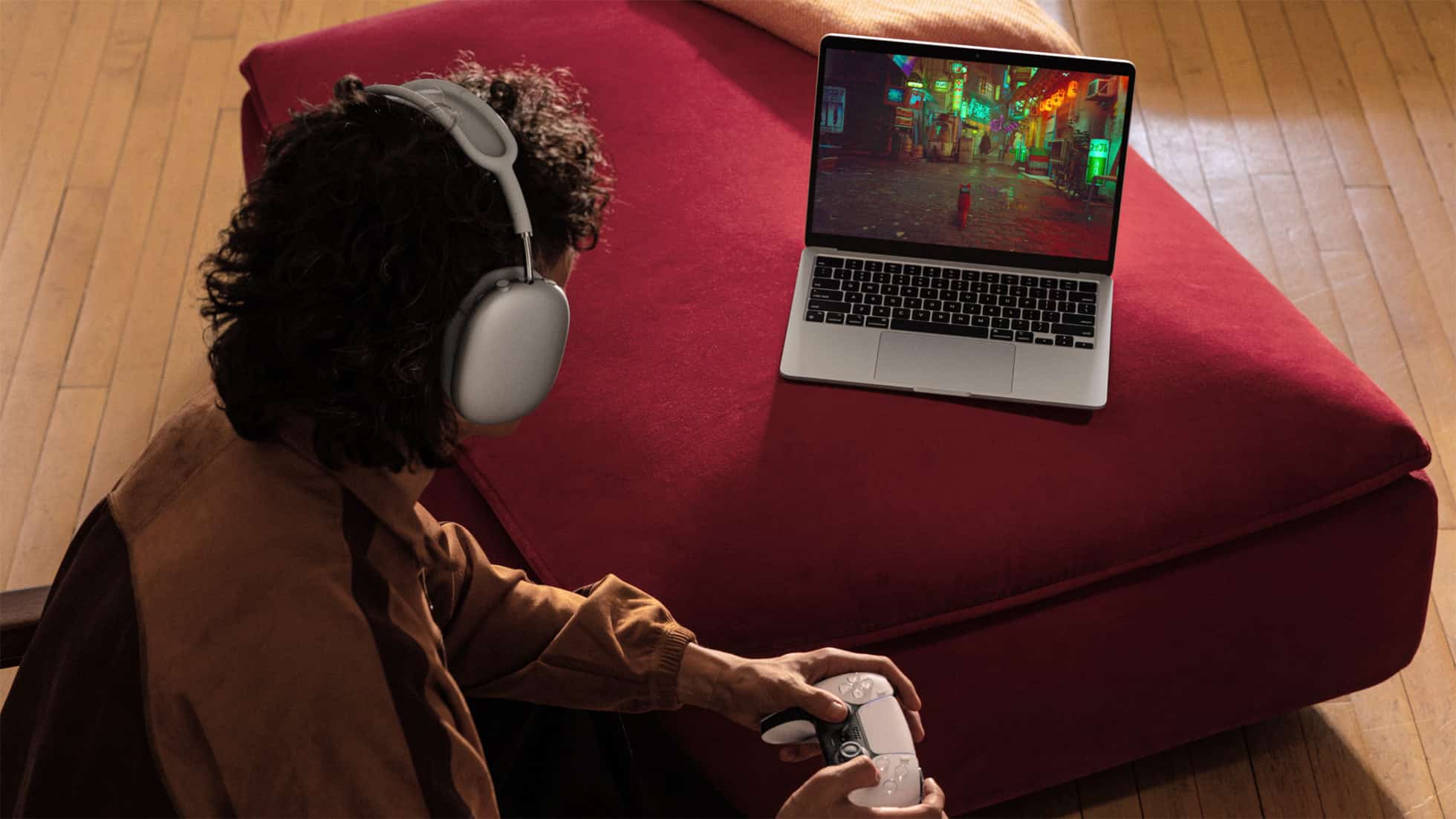
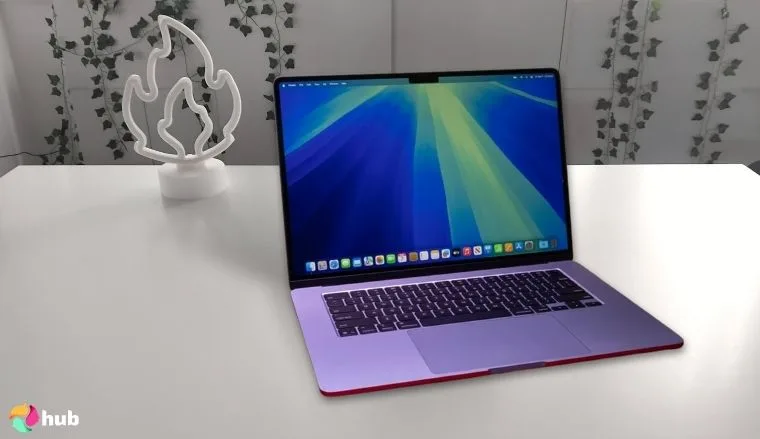
How Apple Is Shaping The Future Of Mac Gaming With Advanced Chips And 1200 80 . M4 MacBook Air Best Games To Play Apple MacBook Air Hero 250305 Big .large 2x . Fl Ssiges Gaming Gute MacBook Air M5 2026 Jetzt Im Amazon Deal Fluessiges Gaming Gutes MacBook Air M5 2026 Ist Jetzt Im Amazon Deal 3567 2048x1152 . MacBook Air 2026 Why Apple S Lightest Mac Is Still The Smartest Choice Apple MacBook Air Lifestyle Gaming 240304 Big .large 2x . 7 Best MacBooks For Gaming In 2026 For You Eneba Hub Apple 2025 MacBook Air 15 Inch M4 Best MacBook For Gaming And
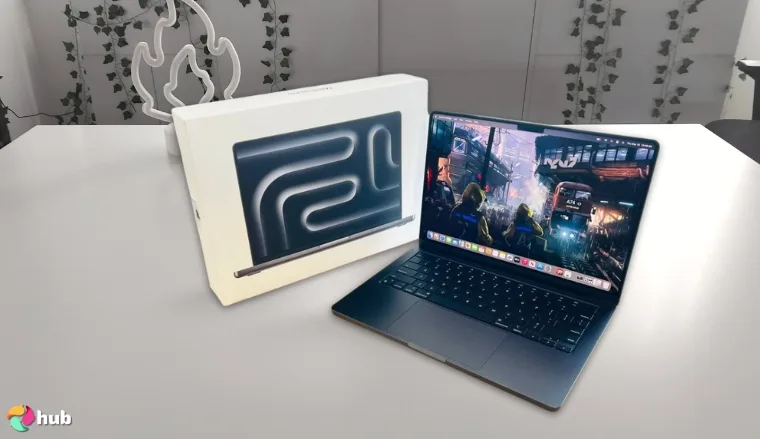

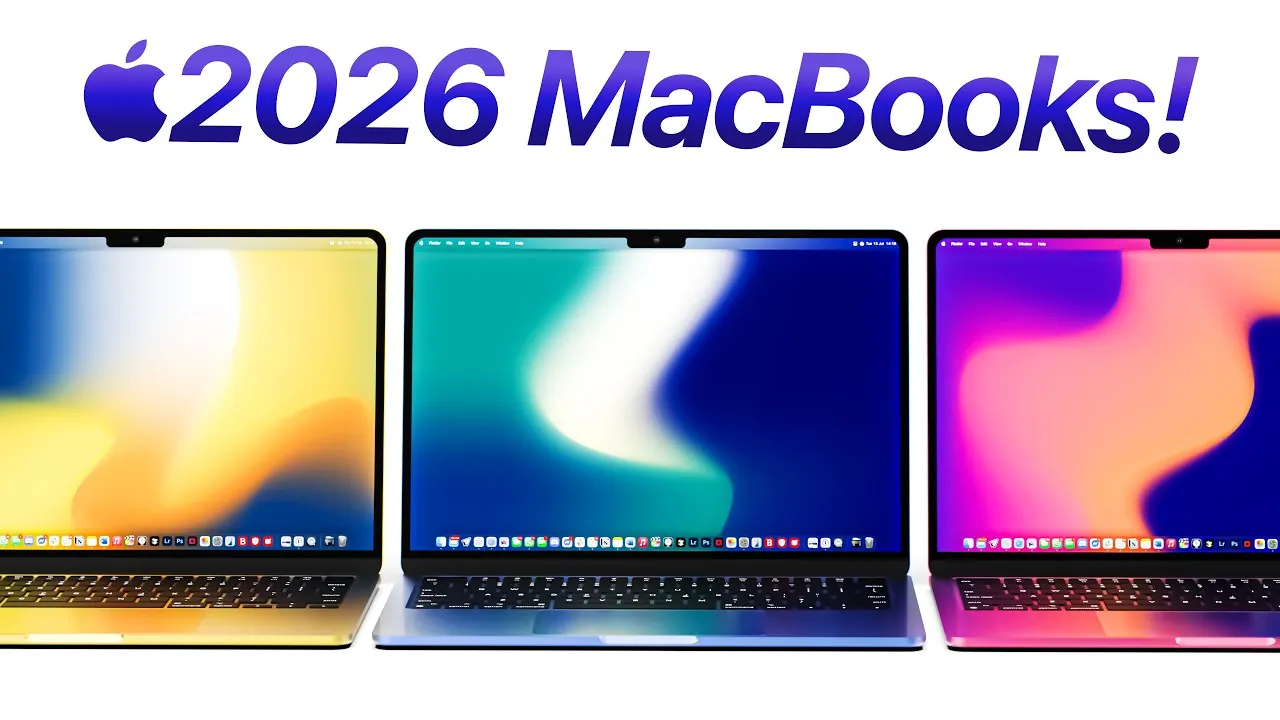
7 Best MacBooks For Gaming In 2026 For You Eneba Hub Apple 2024 MacBook Pro Laptop M4 Max Best High End MacBook For Gaming And Demanding. 5 Best MacBooks For Gaming In 2023 Applavia 05 MacBook Air 13 In M1 Chip 2020 1536x864 . Apple 2026 MacBook Lineup Budget M5 Air And OLED Pro Geeky Gadgets Budget Macbook 2026 Affordable. MacBook Air Gaming Performance Can Apple S Sleek Ultrabook Handle Your Airtable 1.webp. 7 Best MacBooks For Gaming In 2026 For You Eneba Hub Apple 2025 Macbook Air 15 Inch Best Macbook For Gaming 300x178
Apple S Entire Mac Lineup Until 2026 Revealed In Leak Here S Every . M4 Mac Mini Review Gaming And Emulation Performance Geeky Gadgets 2026 Macbook Lineup Performance Upgrades Optimized 1024x576 . 3 Best Gaming MacBooks In 2026 Apple Gaming Laptop . Play God Of War On Mac 2026 Guide M1 M2 M3 Cloud Steps M1 Macbook Air . 7 Best MacBooks For Gaming In 2026 For You Eneba Hub Apple 2024 MacBook Pro M4 Pro Best MacBook For Gaming And Creative Work.webp
Mac Good For Gaming Update 06 2026 Mac Good For Gaming Img . 3 Best Gaming MacBooks In 2026 News Fb Image 4929 . Best Gaming MacBook 2026 Portable Power For Optimal Performance IMore 1200 80 . 7 Best MacBooks For Gaming In 2026 For You Eneba Hub Apple 2025 MacBook Air 13 Inch M4 Best Budget MacBook For Gaming On The Go.webp. Best Gaming MacBook 2026 Portable Power For Optimal Performance IMore 480 80
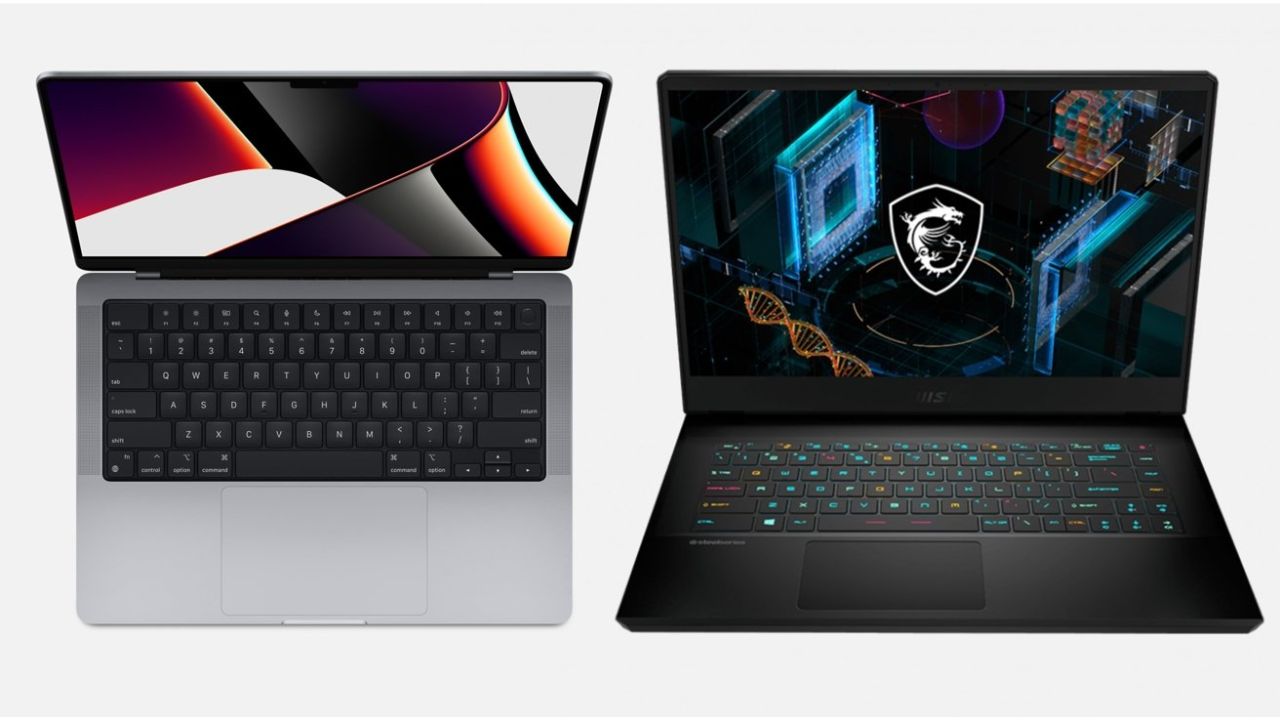
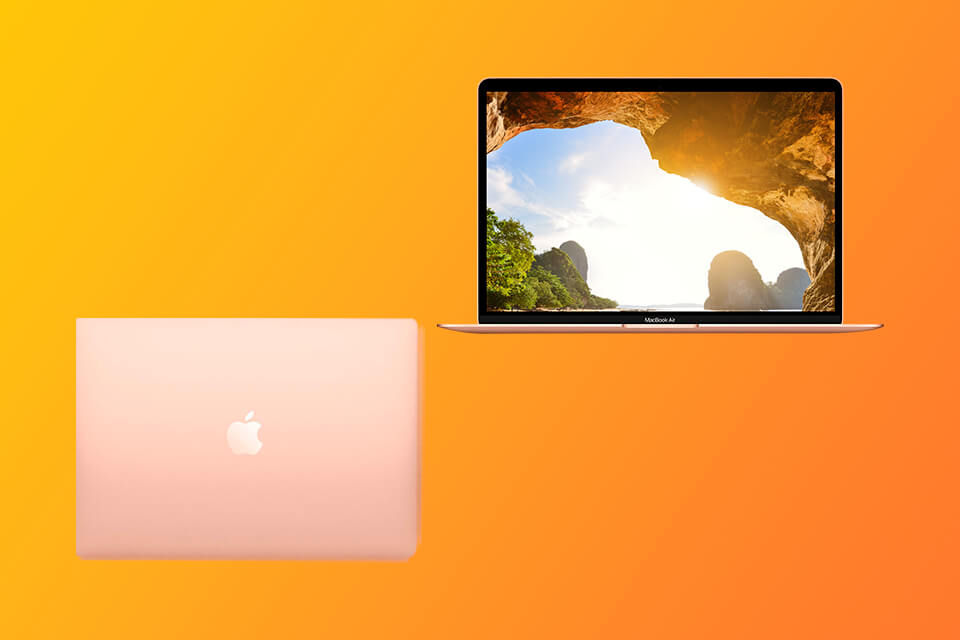

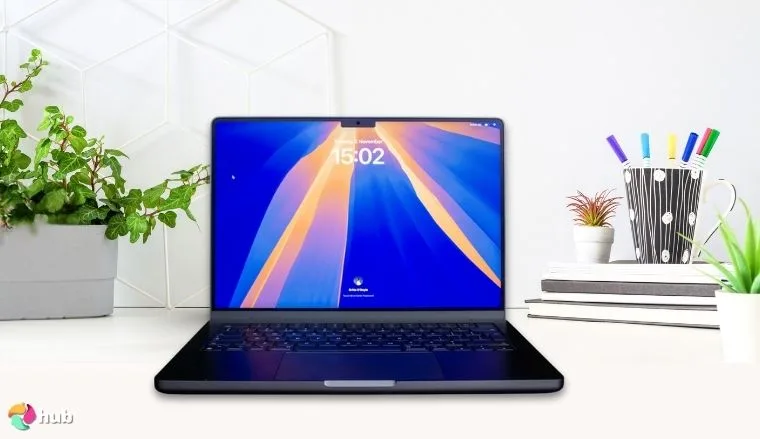

Macbook Vs Gaming Laptop 2026 Do It Something Untitled Design 2025 02 . 3 Best Gaming MacBooks In 2026 Mac For Gamers . 5 Best MacBooks For Gaming In 2023 Applavia Best MacBook For Gaming Scaled . 7 Best MacBooks For Gaming In 2026 For You Eneba Hub Apple 2024 MacBook Pro Laptop M4 Best MacBook For Gaming And Content. 7 Best MacBooks For Gaming In 2026 For You Eneba Hub Best Macbook For Gaming 1024x574
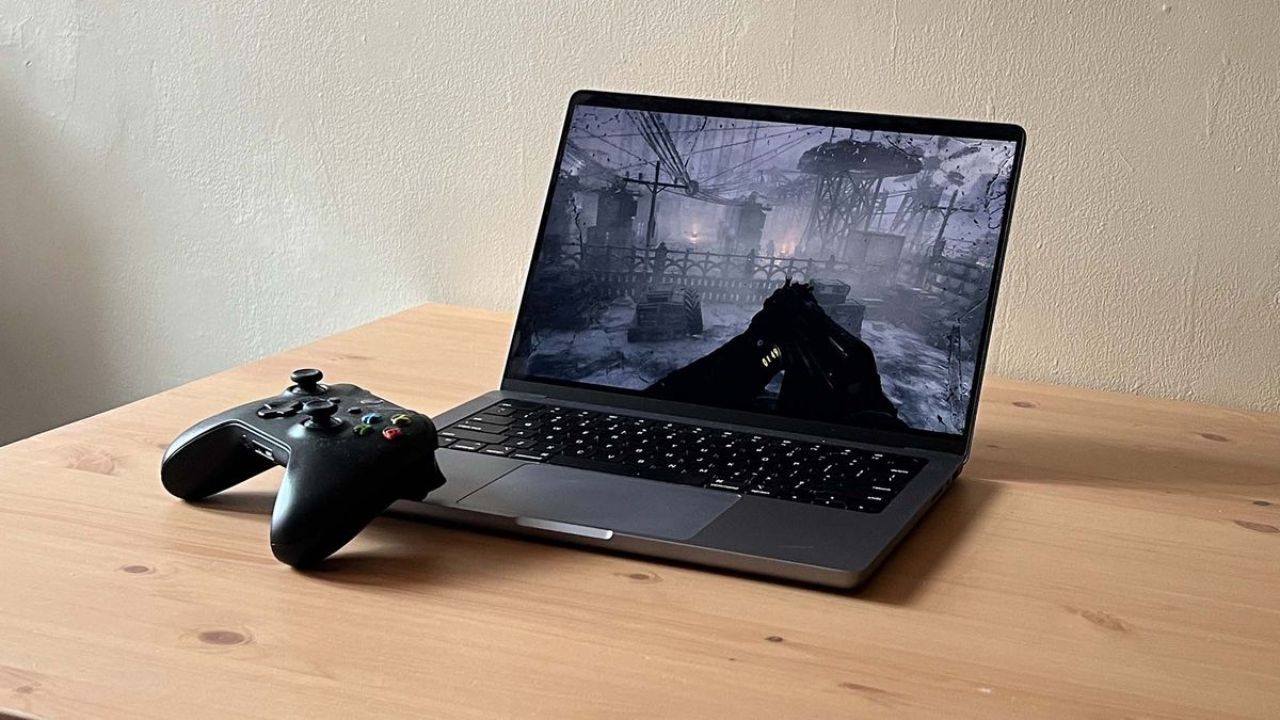

Macbook Vs Gaming Laptop 2026 Do It Something Untitled Design 2025 03 . Apple MacBook Air 13 M5 Anmeldelse 2026 Er Det Den Bedste MacBook 2560 80 . Apple 2026 MacBook Neo 13 Inch Laptop With Apple A18 Pro Chip 6 Core 200217 MacBook Neo CAEN Desktop Slice 08. CB786101616 . MacBook Neo Vs MacBook Air Which Apple Laptop Should You Buy In 2026 MacBook Air Design Features What S New In 2026 . M1 MacBook Air Transformed Into A Gaming Machine Thanks To Nvidia Untitled Design 108