Experiencing Roblox update woes can cut into precious gaming time especially for busy adults balancing life with leisure This comprehensive guide dives deep into why Roblox might not be updating on your PC mobile or console offering practical step by step solutions to common issues We address everything from internet connectivity and server status checks to clearing corrupted files and reinstalling the client Discover how to troubleshoot common update failures optimize your system for smoother performance and ensure you are always ready for the latest experiences This resource is designed for gamers who value efficiency and want quick reliable fixes to get back to playing without unnecessary hassle keeping you current with the vibrant Roblox community Learn to identify the root cause of the problem and apply effective fixes to minimize downtime and maximize your fun
Q: Why exactly is my Roblox not updating on my PC or mobile device?
A: Your Roblox might be refusing to update for several common reasons, often related to your internet connection, the Roblox servers themselves, corrupted local game files, or even interference from security software. For busy gamers, it's usually one of these culprits trying to steal your precious playtime. Whether it's a weak Wi-Fi signal, a temporary server hiccup, or old cached data causing a blockage, pinpointing the exact issue is the first step to getting back into the action. We'll walk through how to check each of these potential problems efficiently.
Q: How do I confirm if Roblox servers are actually down or just my internet?
A: The quickest way to check Roblox server status is to visit their official status page at status.roblox.com. This page provides real-time information on any outages or maintenance. You can also check reliable third-party sites like Downdetector. Simultaneously, do a quick internet speed test on your device and try loading other websites to ensure your own connection is stable. If the official status page reports issues, then it's a server-side problem beyond your control, and you'll just need to wait for Roblox to resolve it. If not, the issue is likely local.
Q: What specific steps can I take on PC if Roblox won't update and is stuck?
A: If Roblox is stuck updating on your PC, try these steps: First, restart your computer. Next, clear your Roblox cache by going to %localappdata% in the Run dialog (Windows Key + R), finding the Roblox folder, and deleting its contents. Ensure you have enough disk space. Run the Roblox Player as an administrator by right-clicking its shortcut. Temporarily disable your antivirus and firewall to check for interference. Finally, if all else fails, perform a clean reinstallation by uninstalling Roblox, deleting remaining files, and then redownloading from the official website.
Q: My mobile Roblox isn't updating. What are the common fixes for Android or iOS?
A: For mobile users experiencing 'why Roblox wont update', start by checking your device's internet connection. Ensure you have sufficient storage space, as updates require room. Go to your device's app store (Google Play Store or Apple App Store), search for Roblox, and manually tap 'Update' if available. If that doesn't work, clear the Roblox app's cache and data through your device's app settings (this will log you out). As a last resort, uninstall the Roblox app completely and then reinstall it from your respective app store.
Q: Can outdated graphics drivers or operating system versions impact Roblox updates?
A: Absolutely. While Roblox is designed to be accessible, outdated graphics drivers on PC can cause performance issues and sometimes conflict with game client updates. Similarly, running a significantly older version of Windows, macOS, Android, or iOS might lead to compatibility problems with newer Roblox updates. Keeping your operating system and essential drivers updated is a crucial part of maintaining a healthy gaming setup, not just for Roblox but for all your titles. Regular system maintenance helps prevent many unexpected 'why Roblox wont update' scenarios, ensuring you're ready to play.
Q: Why is running Roblox as an administrator on PC sometimes necessary for updates?
A: Running Roblox as an administrator on PC gives the application elevated permissions, allowing it to make necessary changes to system files and folders. Update processes often require these higher privileges to download, install, and replace core game files. If Roblox is running without administrator rights, the operating system's security features might prevent it from completing the update, leading to a 'why Roblox wont update' error. It's a quick and easy troubleshooting step that often resolves permission-related update failures without deep technical dives.
Q: After an update, Roblox keeps crashing. What's the best approach to fix this?
A: If Roblox crashes immediately after an update, it often points to a corrupted update download or a conflict with existing files. Start by clearing the Roblox cache and temporary files as discussed previously. If the crashing persists, a clean reinstallation is highly recommended. This ensures all old, potentially problematic files are removed, and a fresh, uncorrupted version of the game is installed. Check your device's system resources too; ensure your RAM and CPU aren't overloaded by other background applications, as this can exacerbate post-update stability issues. Always verify your system meets the game's minimum requirements.
We all know the feeling. You finally carve out some precious time to unwind, maybe connect with friends in your favorite Roblox experience, only to be met with a stubborn 'Roblox won't update' message. For the average US gamer, around 36 years old, who balances work, family, and life, every minute of gaming counts. You're not looking for hype; you're looking for solutions that work fast so you can get back to building, exploring, or just chilling. With 87% of US gamers regularly playing and many dedicating 10+ hours a week, it’s frustrating when a technical glitch steals your valuable escape. This month, social gaming platforms like Roblox continue to dominate, making seamless access crucial. This comprehensive guide is your practical toolkit, designed to cut through the confusion and provide clear, actionable steps to fix why Roblox won't update. We'll explore common causes, from network hiccups to corrupted files, and give you the straightforward answers you need to get your game running smoothly again. Let's troubleshoot like pros and reclaim your gaming time.
Why is my Roblox not updating on PC, Mobile, or Console?
The reasons why Roblox might not be updating are varied, but often fall into a few key categories: network issues, server problems, local client corruption, device limitations, or security software conflicts. It's a common pain point for gamers across all platforms. On PC, it could be anything from a faulty internet connection to an issue with administrator permissions. Mobile users frequently encounter problems due to limited storage or unstable Wi-Fi. Console players might face system-level update conflicts. Understanding these core areas is the first step to diagnosing your specific 'why Roblox wont update' dilemma.
- Unstable or Slow Internet Connection
- Roblox Server Downtime or Maintenance
- Corrupted or Outdated Roblox Client Files
- Insufficient Disk Space on Your Device
- Conflicts with Firewall or Antivirus Software
- Outdated Operating System or Device Drivers
- Administrator Permissions on PC
How do I check Roblox server status and what if they are down?
Before diving into complex troubleshooting, always check Roblox's server status. If Roblox's servers are experiencing issues, no amount of local fixing will help. This month, server stability is a top concern for many online platforms. To check, visit the official Roblox Status page (status.roblox.com) or reliable third-party sites like Downdetector. These pages provide real-time updates on server performance, outages, and scheduled maintenance. If servers are down, patience is key. Roblox usually resolves these issues quickly, often within minutes to a few hours. Keep an eye on their official social media channels for the fastest announcements. Trying to force an update when servers are offline can sometimes lead to further corruption, so always verify server health first to avoid wasting your precious gaming time.
What are common internet or network issues preventing Roblox updates?
A stable internet connection is paramount for any online game update, and Roblox is no exception. Spotty Wi-Fi, low bandwidth, or network congestion can all halt an update mid-process. Many gamers, especially those juggling family use, experience these frustrations regularly. To diagnose, first try restarting your router and modem. This simple step resolves a surprising number of connectivity problems. Ensure your device is connected to a strong Wi-Fi signal or, even better, use an Ethernet cable for a more stable connection on PC or console. Temporarily disconnect other bandwidth-heavy devices on your network. If you're on a public or shared network, restrictions might be in place preventing large downloads. Always ensure your network drivers are up-to-date on PC, as outdated drivers can cause connectivity glitches that impact your 'why Roblox wont update' situation.
How can I clear corrupted Roblox files or cache to fix update problems?
Corrupted local files or an overflowing cache are frequent culprits when Roblox won't update. Over time, temporary files can build up and interfere with the game client's operations. Clearing these can often resolve the problem without needing a full reinstall. On PC, you'll need to navigate to specific folders. Press Windows Key + R, type '%localappdata%' and hit Enter. Find the Roblox folder, then delete its contents. For mobile, go into your device's app settings, find Roblox, and select 'Clear Cache' and 'Clear Data' (be aware clearing data will log you out). On consoles, you might need to clear the game's saved data from system storage settings. After clearing, restart your device and try launching Roblox again. This process forces the game to redownload necessary files, often kickstarting the update.
Is my device storage or system compatibility preventing Roblox updates?
Insufficient disk space is a surprisingly common reason why Roblox won't update, particularly for mobile gamers or those with older PCs. Updates require space for new files, and if your device is near capacity, the update process can fail. Check your device's storage settings and ensure you have at least a few gigabytes free. On PC, aim for 5-10GB for comfortable operation. Beyond storage, system compatibility matters. While Roblox is known for its accessibility, ensure your operating system (Windows, macOS, Android, iOS) is updated to a reasonably current version. Outdated OS versions can lead to compatibility conflicts with newer Roblox updates. Similarly, ensure your graphics drivers are current, especially on PC, as these are crucial for game performance and stable client operation. Staying current on system updates prevents many 'why Roblox wont update' headaches.
What role do firewalls or antivirus software play in Roblox update failures?
Security software, while essential for protecting your device, can sometimes mistakenly identify legitimate game updates as threats, blocking them from downloading or installing. This is a classic 'why Roblox wont update' scenario. Your Windows Firewall, third-party antivirus, or even VPN software might be interfering. First, try temporarily disabling your firewall or antivirus software, then attempt the Roblox update. If it works, you'll need to add Roblox as an exception to your security software's settings. For Windows Firewall, go to 'Allow an app or feature through Windows Defender Firewall' and ensure Roblox is checked. If you're using a VPN, try disabling it during the update process, as some VPNs can route you through servers that block game updates or slow down connections significantly. Remember to re-enable your security software after the update is complete for continued protection.
When should I consider a full reinstallation of Roblox to fix update errors?
A full reinstallation is often the nuclear option, but it's incredibly effective when all other troubleshooting steps fail. If you've tried everything – checking servers, restarting network, clearing cache, disabling security – and Roblox still won't update, a clean reinstall will likely resolve the issue. This process completely removes all existing Roblox files, ensuring no corrupted data remains, and then downloads a fresh, updated version. On PC, uninstall Roblox via 'Add or Remove Programs' in Windows settings, then manually delete any remaining Roblox folders in Program Files and AppData. On mobile, simply uninstall the app and redownload from your app store. For consoles, remove the game data and then reinstall. While it takes a bit more time, a clean reinstall almost always fixes persistent 'why Roblox wont update' problems by giving you a completely fresh start, ensuring optimal performance.
Are there specific steps for force-updating Roblox on different platforms?
While Roblox typically manages updates automatically, there are ways to encourage or 'force' an update if it's being stubborn. For PC, ensuring Roblox is run as an administrator can sometimes trigger the update. Right-click the Roblox Player icon and select 'Run as administrator'. You can also try launching Roblox through your web browser, which often prompts an update before opening the game. For mobile devices, visit your app store (Google Play Store or Apple App Store), search for Roblox, and if an update is available, you'll see an 'Update' button. On consoles like Xbox, updates are usually handled at the system level; check your console's game management settings for pending updates for Roblox. If no 'Update' button appears, your app might already be current or waiting for a system-level refresh. These methods bypass common hang-ups for 'why Roblox wont update'.
Why does Roblox update so often and what are the benefits of staying current?
Roblox updates frequently to introduce new features, improve performance, patch security vulnerabilities, and enhance the overall user experience. This rapid development cycle is crucial for a dynamic platform that hosts millions of user-created experiences. Staying current isn't just about accessing the latest games; it ensures compatibility, better security against exploits (a constant concern for online gamers), and often includes performance optimizations that can make a real difference, especially for gamers who value smooth play on their existing hardware. Regular updates also bring quality-of-life improvements and bug fixes, directly addressing issues reported by the community. For a platform with such a massive player base, continuous refinement is key to maintaining engagement and keeping the experience fresh and secure, preventing potential 'why Roblox wont update' issues from recurring.
What are quick fixes for 'Roblox not updating' when I have limited time?
For the busy gamer, time is a luxury, so quick fixes are essential when Roblox won't update. Here's a rapid-fire checklist: First, restart your device – a surprisingly effective solution for many tech glitches. Second, check your internet connection and restart your router if needed. Third, quickly check the official Roblox Status page to rule out widespread server issues. Fourth, if on PC, try running Roblox as administrator. Fifth, if on mobile, check your app store for a manual update button. These steps address the most common and easily fixable causes without requiring deep dives into system settings. If these don't work, then you'll unfortunately need to allocate a bit more time for the more involved troubleshooting steps discussed earlier, but these initial checks can save you significant frustration and get you back into the game faster.
Dealing with a stubborn Roblox update can be a real buzzkill, especially when you've carved out precious moments for gaming. But armed with this guide, you now have the tools and knowledge to tackle almost any 'why Roblox wont update' scenario. From quick restarts to deep dives into network settings and file management, you're ready to diagnose and fix the problem efficiently. Remember, a smooth gaming experience means less frustration and more fun, allowing you to fully enjoy the vast, creative world Roblox offers. Don't let technical hiccups steal your leisure time. What's your biggest gaming challenge when it comes to keeping your favorite titles running smoothly? Comment below and share your tips!
Can I manually update Roblox if the automatic update fails?
Roblox typically updates automatically. On PC, running the player through the website or as administrator can prompt an update. On mobile, check your device's app store for a manual update button for Roblox. There isn't a separate downloadable patch file for manual updates.
How do I check my current Roblox game version?
On PC, find the RobloxPlayerLauncher.exe file, right-click, go to 'Properties,' then 'Details' to see the version number. On mobile, check your app store listing for Roblox, which often displays the current version number, or look within the app's settings if available.
Will reinstalling Roblox delete my game progress or Robux?
No, reinstalling Roblox will not delete your game progress, Robux, or account data. All your game progress and purchases are tied to your Roblox account, which is stored on Roblox's servers. You'll simply log back in after reinstalling to access everything.
What if my internet is fine but Roblox still won't update?
If your internet is stable, the issue likely lies with corrupted local files, insufficient storage, or security software interference. Try clearing your Roblox cache, ensuring adequate disk space, or temporarily disabling your firewall/antivirus to see if the update proceeds.
Can a VPN interfere with Roblox updates or gameplay?
Yes, a VPN can sometimes interfere with Roblox updates by routing your connection through servers that block game traffic or cause significant latency. It's often best to temporarily disable your VPN while updating or playing Roblox to ensure a smooth connection.
How long does a typical Roblox update take?
A typical Roblox update is usually quick, often taking only a few minutes, depending on your internet speed and the size of the update. Larger updates or slower connections can extend this to 10-15 minutes. If it's taking significantly longer, there might be an underlying issue.
Common Roblox update issues often stem from unstable internet connections overloaded game servers insufficient device storage corrupted game files or outdated system drivers Solutions include verifying internet stability checking Roblox server status pages clearing cache and temporary files ensuring adequate storage space restarting your device running Roblox as administrator disabling VPNs or firewalls temporarily and if all else fails a clean reinstallation Staying updated means better performance access to new features and a more secure gaming environment Prioritizing these troubleshooting steps can quickly resolve most why Roblox wont update problems for busy adult gamers
35


How To Update Roblox In 2026 Fix Error Code 280 On PC Mobile Xbox Roblox Update It.webp. How To Fix Roblox Not Updating Full Guide YouTube . Roblox 2026 Logo REVEALED New Color New Look YouTube Maxres2 . How To Fix Roblox Continue Without Flags On Windows 11 Roblox Continue Without Flags Error Windows 11 . Is Roblox Down Right Now Issues Roblox Not
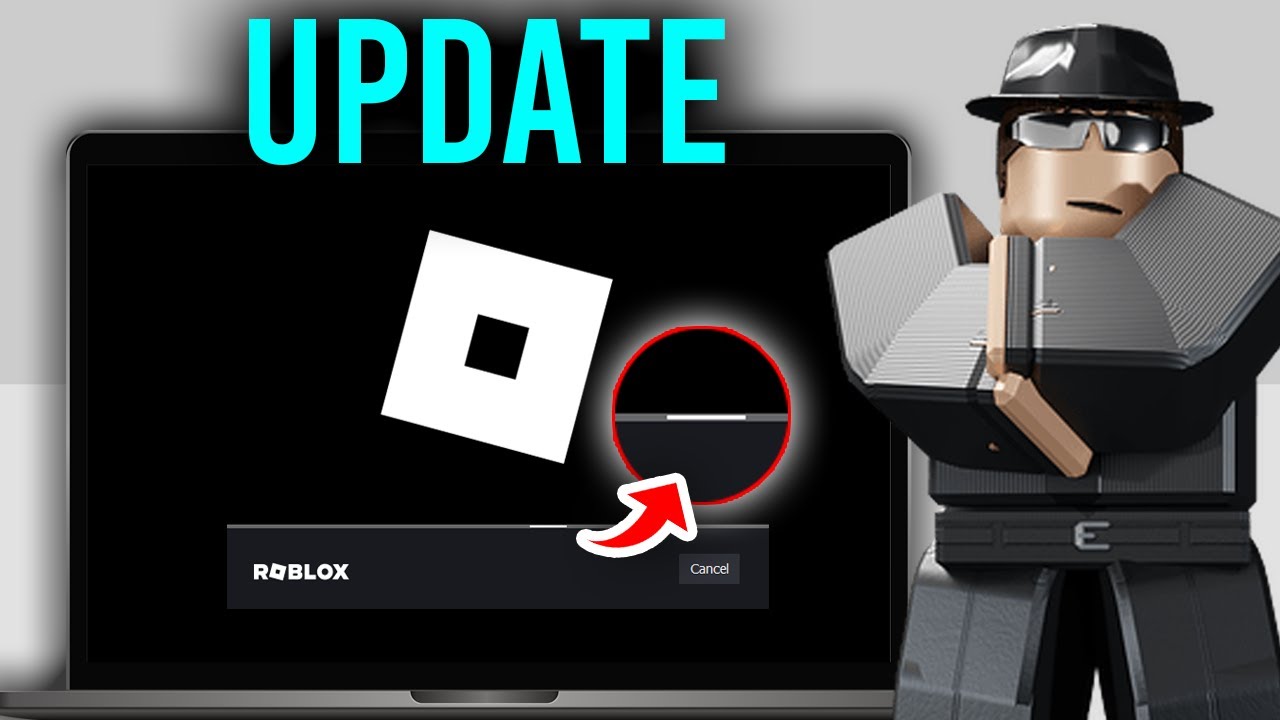




Roblox Update Failed Try This 2026 YouTube . Roblox 2026 NEW LOOK The Biggest Update Ever YouTube Maxres2 . What Is Garhorse Roblox And Why Is It Popular In 2026 Updated Roblox. Predicting EVERY 2026 Update For Roblox Doors YouTube . How To Update Roblox On PC 2026 Roblox Update Fix Step By Step




13 Fixes Roblox Unable To Update On Mac Tahoe In 2026 Wont Roblox Update On My Mac.webp. Roblox 2026 New Logo REVEAL First Look At The Future Shorts YouTube Hq2 . Why Is Roblox So Addictive For Players Of All Ages Roblox Lawsuit For Video Game Addiction 800x400 . Like And Subscribe If U Want The Roblox Logo 2026 Will Be That Oar2 . Why Is Roblox Not Working June 2026 24 Fixes That Actually Work Why Is Roblox Not Working 2025 24 Fixes That Actually Work



Why Your Roblox App Won T Update And How To Fix It Roblox . How To Fix Roblox Not Updating On Windows 7 Ways Beebom Update Roblox Button . Why Is Microsoft Roblox Not Working Solutions For 2026 Roblox . Roblox In 2026 Play On Roblox NoFilter. Why Can T I Update Roblox On Mac How To Fix Gamer Tweak Why Wont Roblox Update Mac 300x169
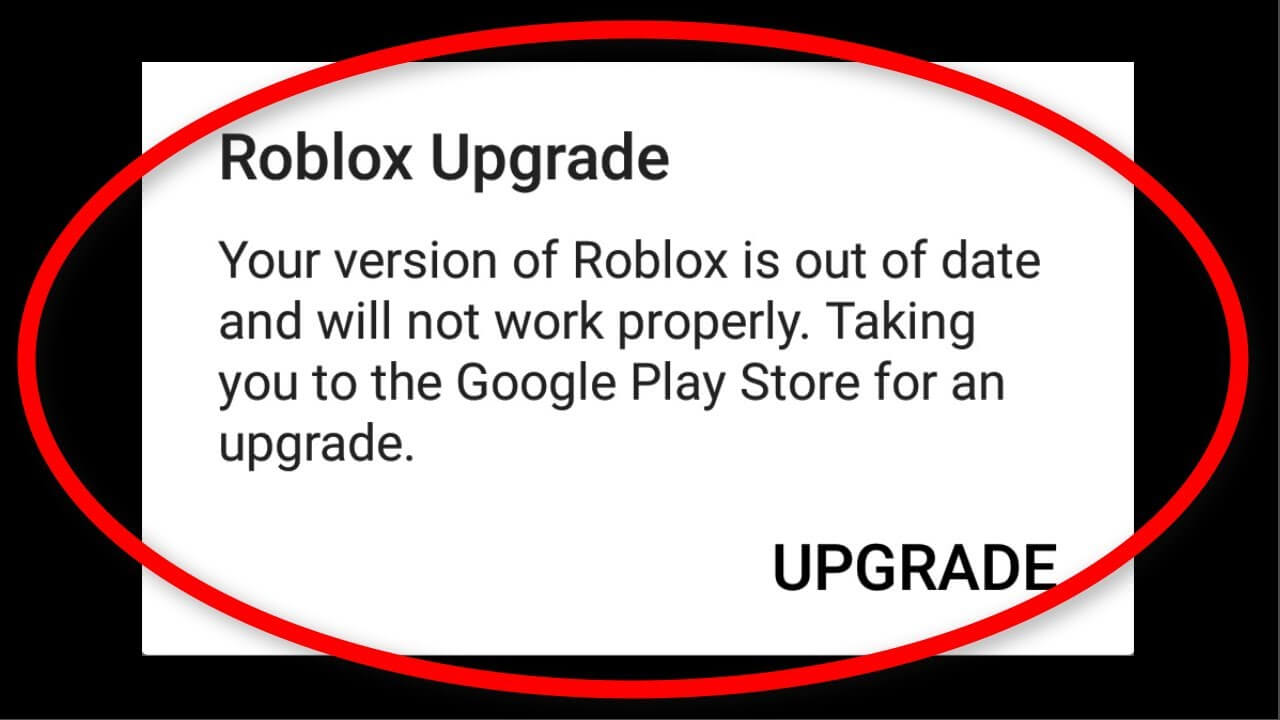
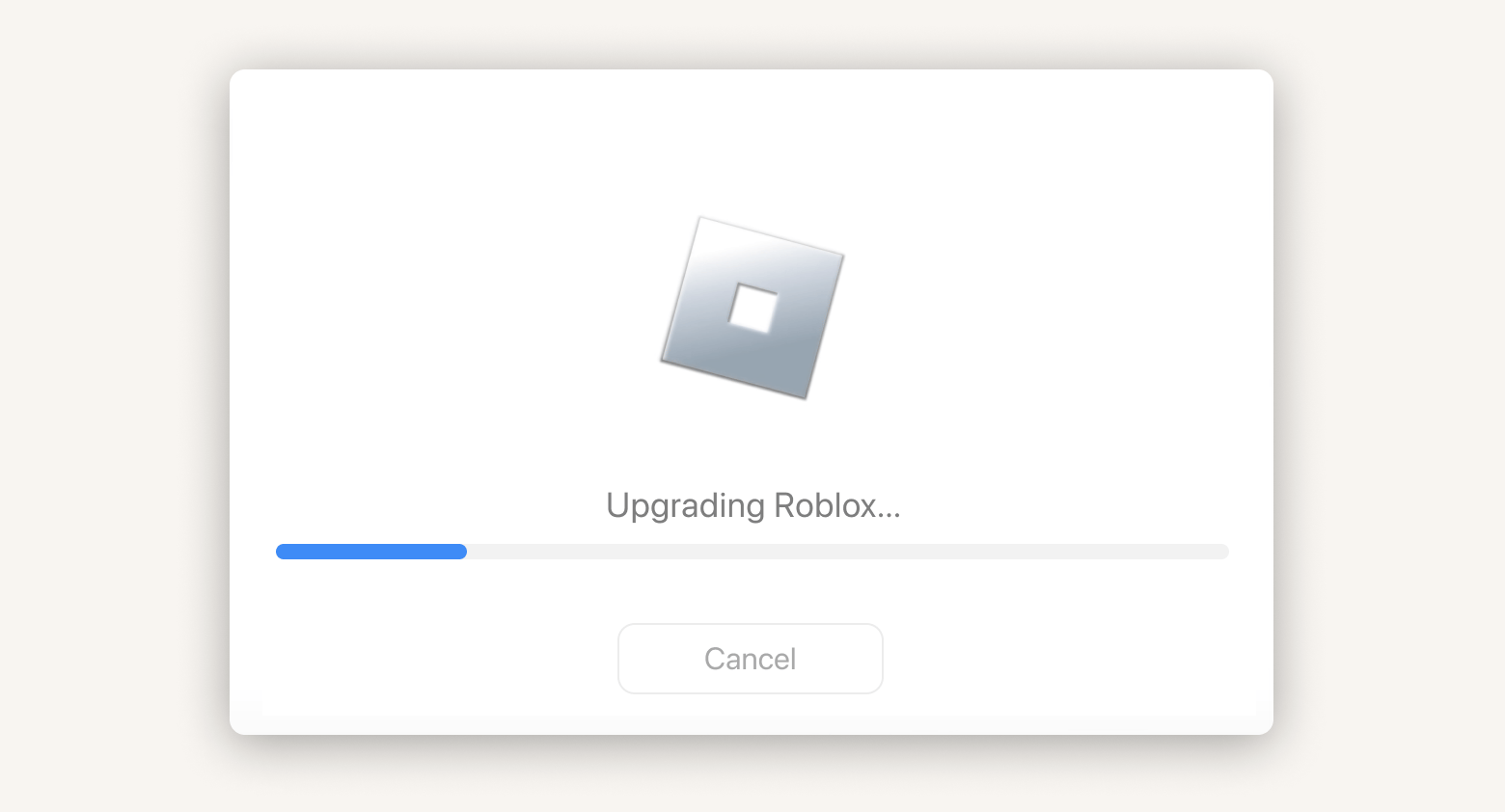
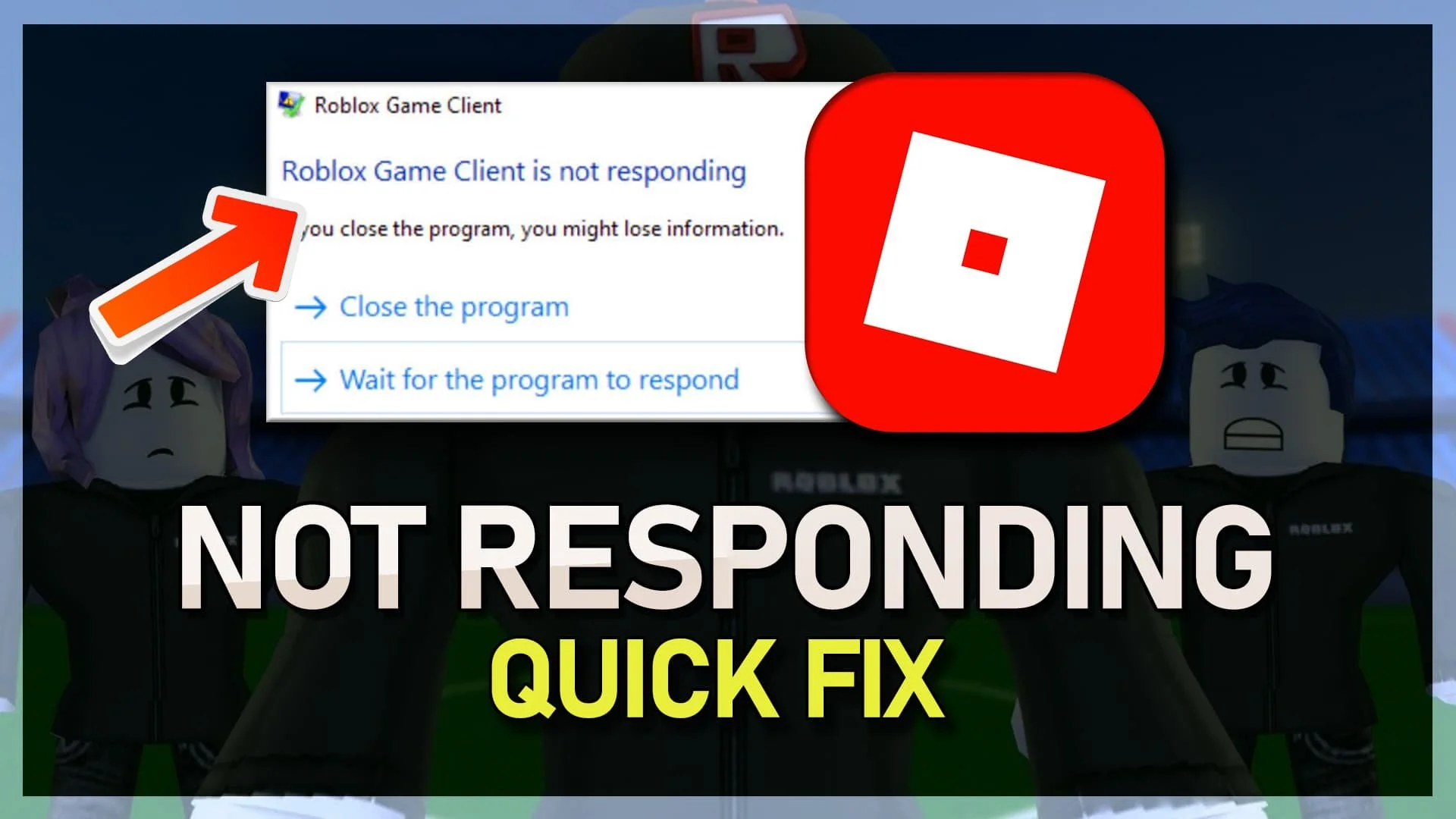
13 Methods How To Fix Roblox Not Working On Android Phone Update Roblox App . Why Can T I Update Roblox On Mac How To Fix Gamer Tweak Roblox Not Updating On Mac 768x432 . How To Update Roblox On Mac 2026 Roblox Updating Screen . Why Is My Roblox Freezing Quick Fixes Explained 2026 How To Fix Roblox Client Is Not Responding Tutorial . Why Won T Roblox Open Solved Alvaro Trigo S Blog Why Roblox Wont Open 1536x1024


Prepare For 2026 With Roblox Trends TikTok Img. How To Message On Roblox 2026 A Quick Guide . ROBLOX 2026 Why Players Are Coming Back Every Updates That Make . Why Cant Roblox Let Me Join A Game Today . Why Won T Roblox Update On My Mac How To Fix MobbiTech Roblox Update On My Mac


How To Add People Roblox Easily Your 2026 Guide . Why Won T Roblox Open Solved Alvaro Trigo S Blog Fix Roblox Wont Open Microsoft Store 1536x864 . Why Won T Roblox Load Let S Together Playbite Why Wont Roblox Load 1 . LOGO Roblox 2026 YouTube Maxres2 . Roblox At GDC 2026 Where To Find Us All Week Roblox