For many modern US gamers, the line between work and play is blurring. The average gamer, around 36 years old, often juggles demanding jobs, family responsibilities, and a passion for gaming. This creates a compelling need for versatile technology. A common question echoing through forums and online communities is, 'Can you truly do work on a gaming laptop?' This in-depth guide provides comprehensive insights into transforming your powerful gaming rig into a productive workhorse, addressing common concerns like performance, battery life, portability, and professional aesthetics. We will explore how these high-performance machines, typically designed for immersive gameplay, stack up against traditional business laptops for tasks ranging from everyday office applications to demanding creative software. Discover practical tips for optimizing your setup, managing software, and making the most of your investment, ensuring you stay competitive both in-game and in your career. This article aims to empower busy adults who seek to maximize their tech for both unwinding with a favorite title and crushing their professional goals, all without breaking the bank or sacrificing performance. We will delve into real-world scenarios, offering actionable advice to balance your digital life efficiently and effectively.
Can I use my gaming laptop for professional video editing?
Yes, absolutely! Gaming laptops are often ideal for professional video editing. They feature powerful multi-core CPUs like Intel i7/i9 or AMD Ryzen 7/9, which are crucial for processing video footage quickly. More importantly, they include dedicated GPUs (NVIDIA GeForce RTX or AMD Radeon RX) that significantly accelerate rendering times, enable real-time previews in software like Adobe Premiere Pro or DaVinci Resolve, and handle complex effects with ease, making your workflow much more efficient than on a standard business laptop.
Are gaming laptops suitable for coding and software development?
Gaming laptops are excellent for coding and software development. Their robust processors and generous amounts of RAM (16GB or more is standard) handle compiling large codebases, running multiple development environments (IDEs), virtual machines, and extensive browser tabs effortlessly. The fast NVMe SSDs ensure quick project loading and application responsiveness, providing a smooth and productive experience for developers working on complex projects.
How can I prevent my gaming laptop from overheating during long work sessions?
To prevent overheating during long work sessions, ensure your laptop's cooling vents are unobstructed; using it on a hard, flat surface or a cooling pad is recommended. Configure your laptop's power settings to 'Balanced' or 'Power Saver' mode when not gaming or performing intensive tasks, as this reduces CPU/GPU usage and heat generation. Regularly clean out dust from the fans and vents, and update your cooling software if provided by the manufacturer.
Will using my gaming laptop for work drain its battery quickly?
Yes, compared to traditional business ultrabooks, gaming laptops generally have shorter battery life for work tasks due to their high-performance components like powerful CPUs, dedicated GPUs, and high-refresh-rate screens. You can expect around 3-6 hours of moderate productivity use unplugged. To extend battery life, switch to integrated graphics, reduce screen brightness, and use power-saving modes when not near an outlet.
Are gaming laptops too flashy or bulky for a professional environment?
Not necessarily anymore. While older gaming laptops often had aggressive designs, many modern gaming laptops feature sleek, minimalist aesthetics with subdued branding and configurable RGB lighting that can be turned off. While some remain heavier, many models are now comparable in weight and thickness to larger business laptops, making them more suitable for professional environments and daily commutes without drawing unwanted attention.
Can I connect multiple monitors to a gaming laptop for productivity?
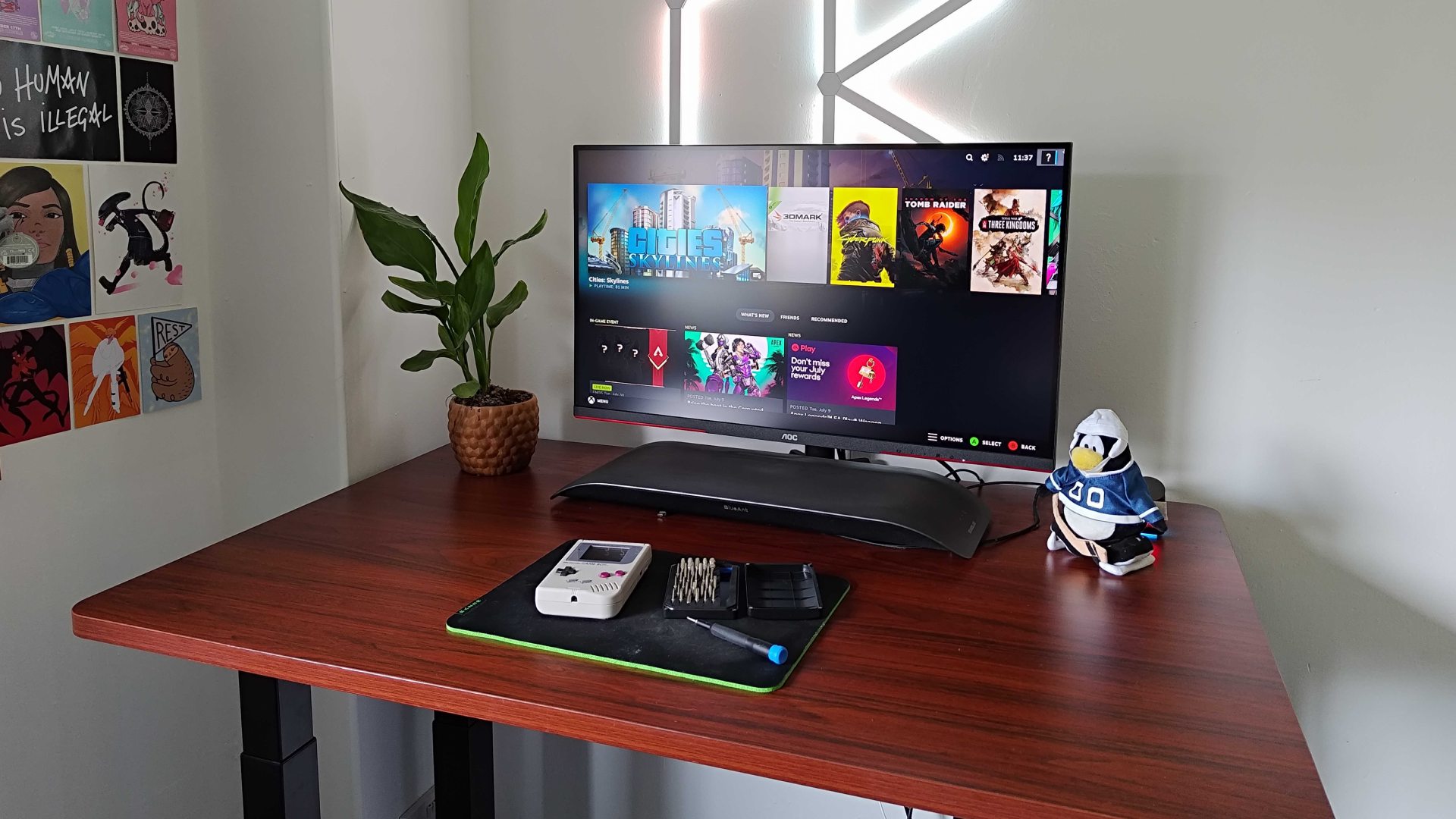
Yes, most gaming laptops are well-equipped to connect multiple external monitors, making them ideal for productivity setups. They typically include a range of display outputs like HDMI, DisplayPort (often via USB-C or Thunderbolt), allowing you to easily extend your desktop across two or even three external screens. This capability significantly enhances multitasking and workflow efficiency for professional tasks.
Do I need specific accessories to use a gaming laptop for work effectively?
While not strictly 'needed,' certain accessories can greatly enhance your work experience on a gaming laptop. An external monitor provides more screen real estate, an ergonomic keyboard and mouse improve comfort during long hours, and a docking station can streamline connectivity for all your peripherals with a single cable. A good quality laptop bag or sleeve is also essential for protecting your investment when commuting.
Hey fellow gamers! If you're anything like the typical US gamer today, you're probably balancing a full plate of responsibilities: a job, family, maybe even a side hustle, all while trying to squeeze in some quality game time. We love the thrill of a competitive match, the immersion of a story-driven RPG, or the social connection of a cozy co-op session. But here's the kicker: that powerful machine you rely on for your virtual escapes often sits idle when it's time to tackle spreadsheets, video edits, or coding projects. This leads to a common, yet crucial, question many of us ask: can you do work on a gaming laptop effectively? With 87% of US gamers regularly dedicating 10+ hours a week to their passion, and many embracing mobile gaming alongside PC or console for ultimate flexibility, our tech needs to be as versatile as our lives.
You've invested in a beast of a machine for gaming. It's got a powerful processor, a dedicated graphics card, plenty of RAM, and a fast SSD. Why should it only be for play? In 2026, technology has blurred lines more than ever. This guide is all about helping you unlock the full potential of your gaming laptop, transforming it into a productivity powerhouse without compromising its gaming prowess. We're going to dive deep into how these machines handle professional workloads, explore their advantages and disadvantages, and offer practical, actionable advice to make your gaming laptop the ultimate work-and-play companion. Let's make that investment work twice as hard for you!
Can a Gaming Laptop Truly Handle Professional Workloads?
Absolutely, yes! A modern gaming laptop is typically equipped with high-end components that often surpass the specifications of many traditional business or productivity laptops. Think about it: a top-tier gaming rig boasts powerful multi-core CPUs, ample RAM (often 16GB or more), and lightning-fast NVMe SSDs. These aren't just great for rendering game worlds; they're also fantastic for compiling code, running virtual machines, editing high-resolution video, 3D rendering, or even complex data analysis. Tasks that might slow down a standard ultrabook will often fly on a gaming laptop.
For professionals in creative fields like graphic design, video editing, or architecture, the dedicated GPU (Graphics Processing Unit) in a gaming laptop is a game-changer. These GPUs significantly accelerate rendering times, improve real-time previews in software like Adobe Premiere Pro or AutoCAD, and handle complex graphical computations with ease. This translates directly to increased efficiency and less waiting, allowing you to focus on your creative flow. Even for less graphically intensive work like extensive multitasking with dozens of browser tabs, multiple applications, and large documents, the raw power of a gaming laptop ensures a smooth, lag-free experience, a major plus for busy professionals trying to maximize every minute.
What Are the Performance Advantages of Using a Gaming Laptop for Work?
The performance advantages are significant and often overlooked. First, the processor: gaming laptops typically feature Intel i7/i9 or AMD Ryzen 7/9 processors, which offer superior multi-core performance crucial for heavy computational tasks. This means faster compiling, quicker data processing, and smoother operation of resource-intensive professional applications. You won't be held back by a sluggish CPU when deadlines loom.
Second, the dedicated GPU. This is perhaps the biggest differentiator. While integrated graphics can handle basic office tasks, they falter with anything requiring significant graphical horsepower. A gaming laptop's NVIDIA GeForce RTX or AMD Radeon RX GPU drastically speeds up professional applications such as CAD software, video editing suites, machine learning tasks, and scientific simulations. Imagine cutting down rendering times for a 4K video project from hours to minutes. This capability alone can justify the investment for many professionals.
Third, storage speed. Gaming laptops almost universally come with NVMe SSDs, offering incredibly fast boot times and application loading. This isn't just for loading your favorite games quickly; it means your operating system, professional software, and large project files load in a flash, reducing downtime and improving overall responsiveness. Finally, high refresh rate displays (120Hz, 144Hz, or higher) aren't just for smooth gaming; they can provide a more fluid and less fatiguing visual experience for tasks like scrolling through long documents or precise graphical work, reducing eye strain over long workdays.
How Does Battery Life Compare on Gaming Laptops vs. Business Laptops?
This is often where gaming laptops face their biggest criticism for work use. Generally, gaming laptops are not designed with marathon battery life in mind. Their powerful components, especially the dedicated GPU and high-refresh-rate screens, are power hogs. While a premium business ultrabook might offer 10-15 hours on a single charge, a gaming laptop typically provides 3-6 hours of moderate use, and significantly less when running demanding applications or games unplugged.
However, this isn't necessarily a deal-breaker. Many workplaces and home office setups have readily available power outlets. For tasks that require mobility, you might need to carry your charger or plan your work sessions around power access. Modern gaming laptops often feature advanced power management settings, allowing you to switch to integrated graphics, reduce screen brightness, and enable 'power saver' modes, which can extend battery life considerably for basic productivity tasks like word processing or browsing. Some models even come with larger batteries than previous generations, recognizing the dual-use trend. The key is understanding this limitation and planning accordingly, rather than expecting a full workday away from a power source.
Is a Gaming Laptop Too Loud or Hot for a Professional Environment?
This is another common concern, and it's definitely valid for older or less optimized gaming laptops. When under heavy load, like during an intense gaming session or rendering a complex video, gaming laptops can get loud as their cooling fans spin up to dissipate heat. This noise can be distracting in a quiet office environment or during important video calls.
However, manufacturers have made significant strides in cooling technology. Many newer gaming laptops feature more efficient cooling systems, quieter fans, and intelligent fan control software. When performing light office tasks (browsing, email, word processing), most modern gaming laptops remain remarkably quiet, often indistinguishable from a standard business laptop. They only become noticeable when pushed hard. To mitigate noise, ensure your laptop's cooling vents are clear, use it on a hard surface, and consider using power-saving modes when not gaming or performing intensive tasks. This reduces heat generation and, consequently, fan noise. For temperatures, while they can run hotter than business laptops under load, surfaces remain within safe limits, and external temperatures during light work are usually comfortable.
What About the Aesthetics and Portability of Gaming Laptops for Work?
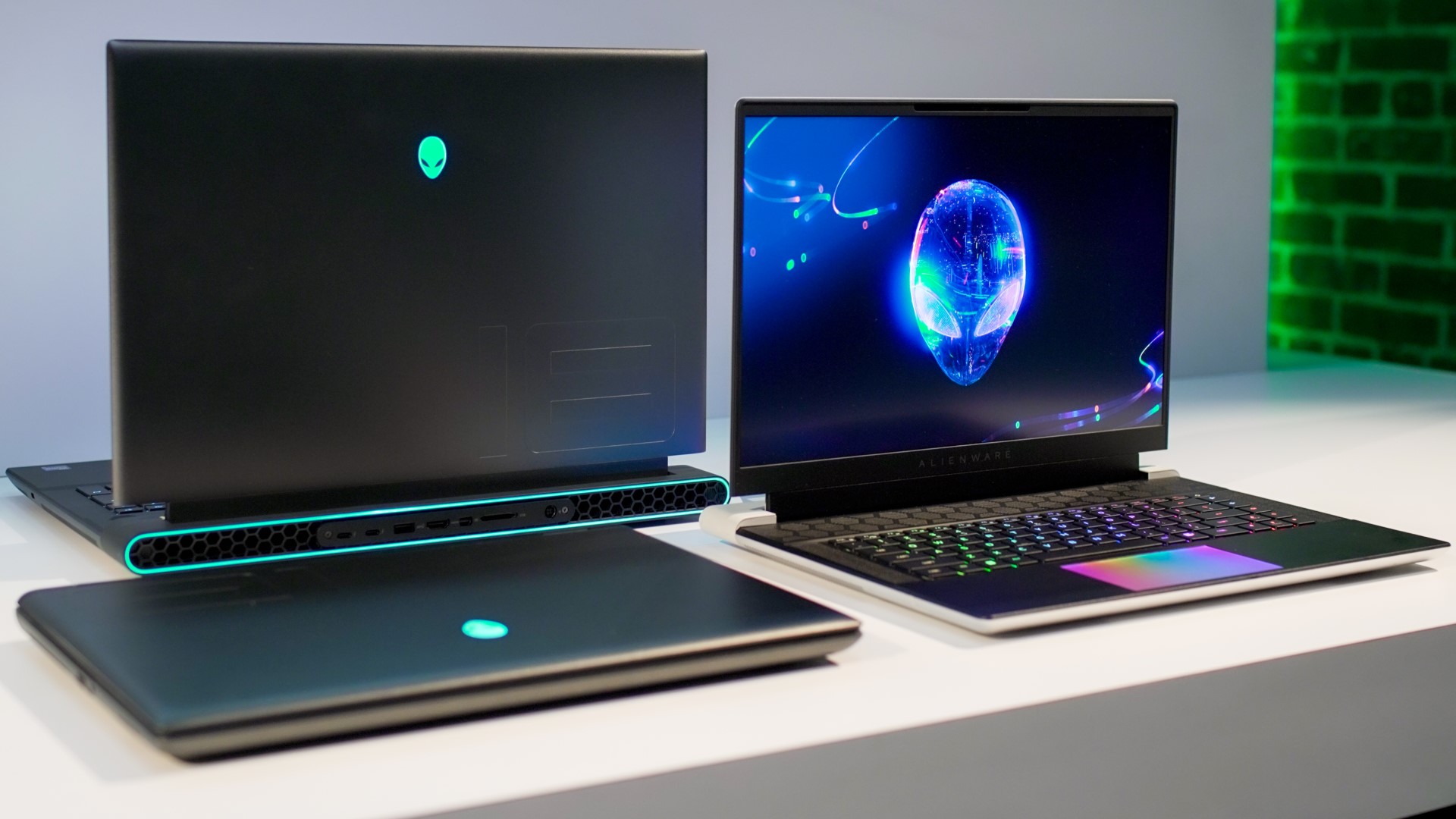
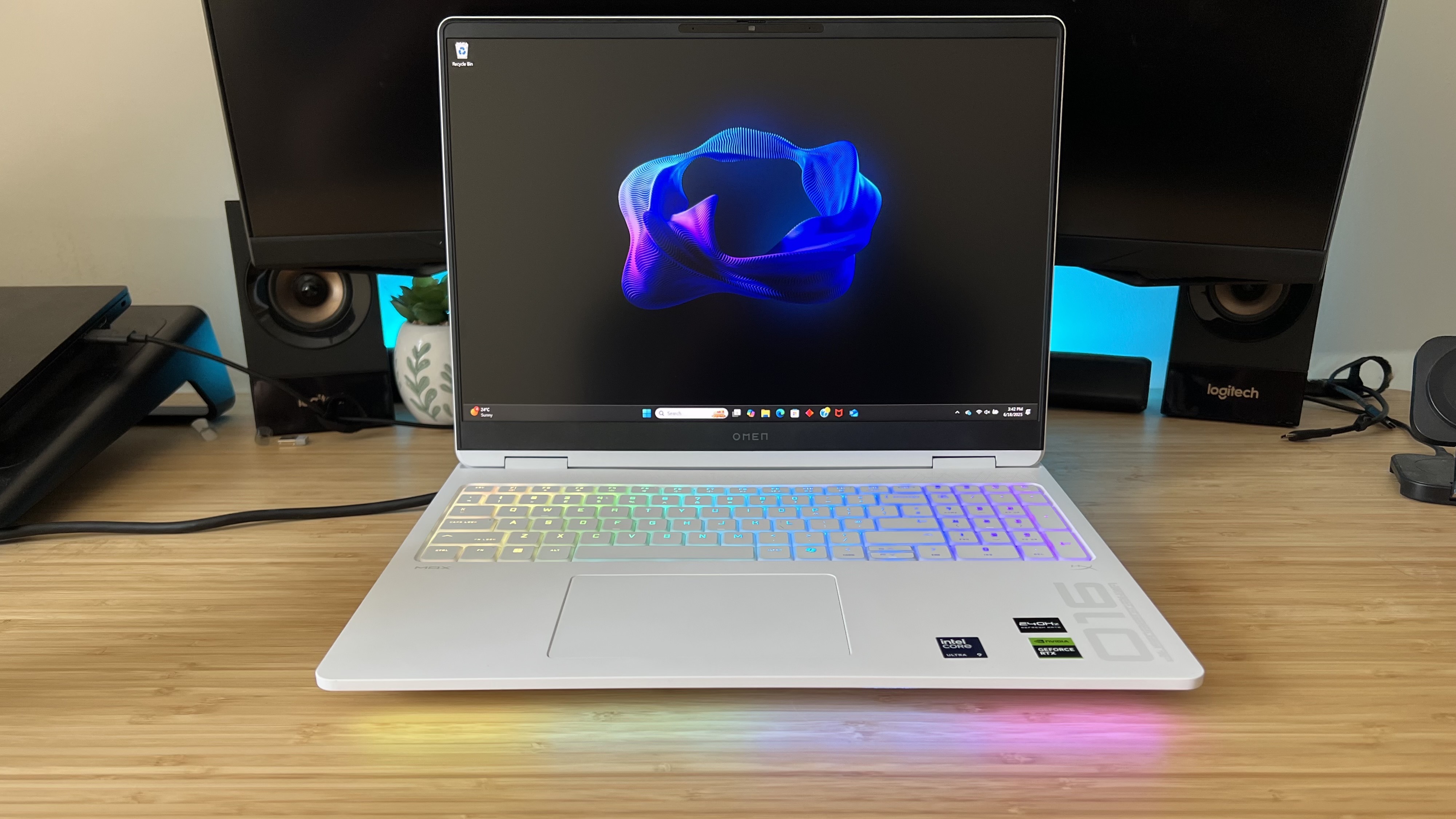
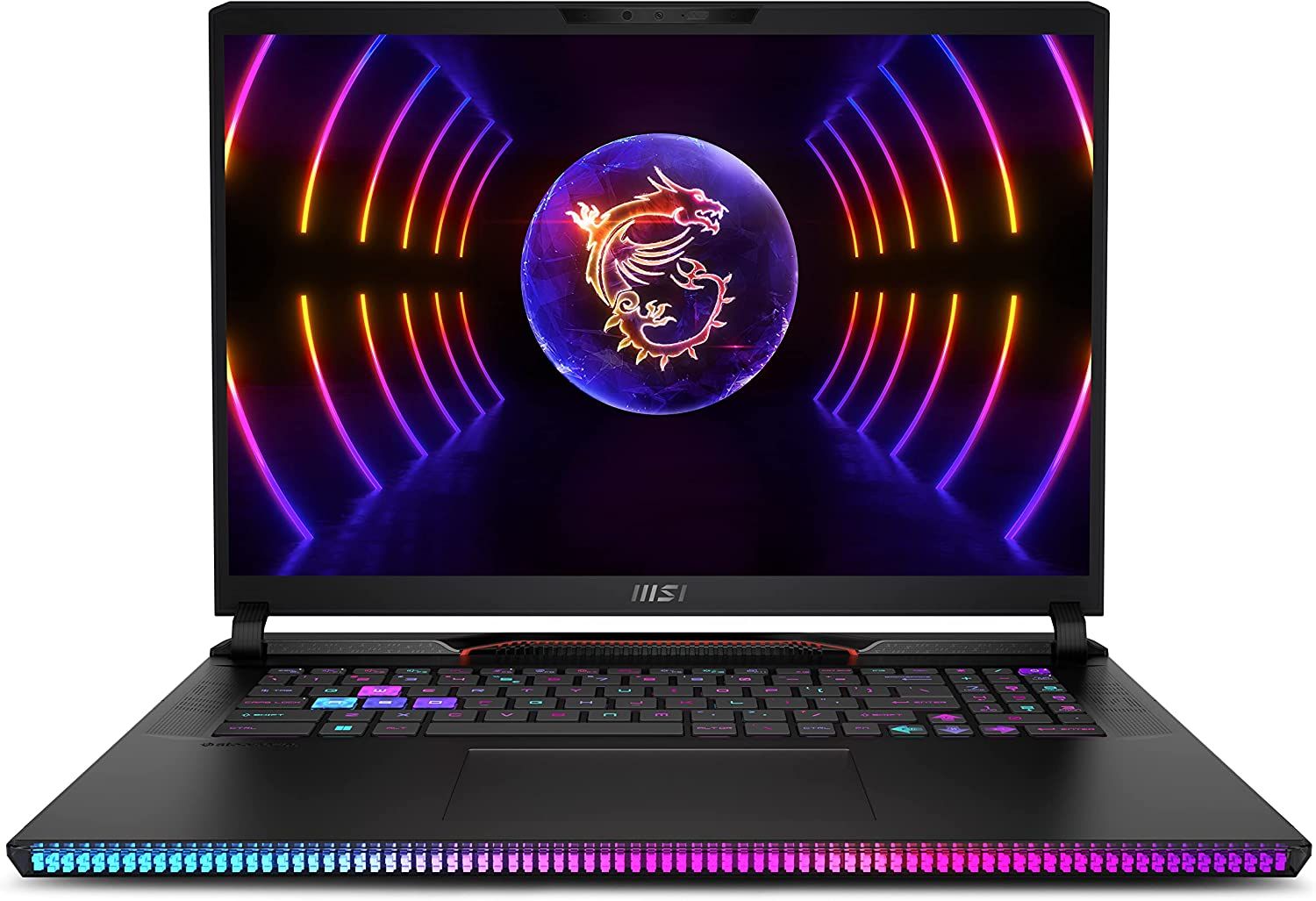
Historically, gaming laptops were notorious for their bulky designs, aggressive aesthetics, and flashy RGB lighting, which didn't exactly scream 'professional.' Carrying a heavy, rainbow-lit machine into a client meeting might raise a few eyebrows. However, the market has matured significantly. Many brands now offer sleek, minimalist gaming laptops with subdued designs that wouldn't look out of place in a corporate setting. Think thin bezels, subtle branding, and configurable RGB lighting that can be turned off or set to a single, professional color.
Portability remains a consideration. While some gaming laptops are still on the heavier side (5-8+ pounds), many slimmed-down models are now available, rivaling the weight and thickness of some larger business laptops. You can find powerful gaming machines under 4.5-5 pounds, which are perfectly manageable for daily commutes. Of course, the charger will add some weight, but overall, the trade-off for having a single, powerful device for both work and play is often worth it. This month's trends show a clear move towards more understated designs, recognizing the dual-user demographic who want both power and professionalism.
Are There Any Software Compatibility Issues to Consider?
In most cases, no. Gaming laptops run standard Windows (or Linux, if you prefer), just like any other PC. This means they are fully compatible with all common productivity software: Microsoft Office Suite, Adobe Creative Cloud applications, Google Workspace, specialized engineering software, coding IDEs, and more. You'll install and run them exactly as you would on a business laptop.
The only potential 'issue' is sometimes related to pre-installed manufacturer software, often called 'bloatware,' which can include gaming-centric utilities for performance tuning, RGB control, or network optimization. While these are beneficial for gaming, some might run in the background and consume minor resources. You can usually uninstall unnecessary software or configure it to run only when needed. Make sure your drivers (especially for the GPU) are up-to-date, as this ensures optimal performance for both games and professional applications. Regularly check for updates from NVIDIA, AMD, and your laptop manufacturer to avoid any performance glitches.
How Can I Optimize My Gaming Laptop for Both Work and Play?
Optimizing your gaming laptop for a dual life is crucial for a seamless experience. Here are some pro tips:
- Create Separate User Profiles: Set up one Windows user profile for 'Work' and another for 'Gaming.' This keeps your desktop clean, your applications segregated, and helps you context-switch mentally. Your work profile can have minimal background apps, while your gaming profile can be tweaked for maximum performance.
- Power Profiles Are Your Friend: Utilize Windows power plans or your laptop manufacturer's software (e.g., Armoury Crate, Legion Vantage). For work, use 'Balanced' or 'Power Saver' to reduce fan noise and extend battery life. For gaming, switch to 'Performance' or 'Turbo' mode for maximum FPS.
- Manage Startup Programs: Prevent unnecessary applications from launching at startup. Many gaming utilities or game launchers don't need to run constantly during work hours. You can adjust this in Windows Task Manager or your laptop's control software.
- External Peripherals: For serious work, consider investing in a comfortable ergonomic keyboard, mouse, and an external monitor. This setup transforms your laptop into a powerful desktop workstation, especially important for long hours of coding or design work. Many gamers already have these, making the transition effortless.
- Keep Drivers Updated: Regularly update your GPU drivers (NVIDIA GeForce Experience, AMD Radeon Software) for the best performance in both games and professional applications. Also, ensure your laptop's firmware and other drivers from the manufacturer are current.
- Storage Management: Dedicate specific drives or partitions for work files and games. This makes backups easier and helps maintain organization. With modern SSDs being more affordable, consider a larger drive or an external SSD for archiving larger projects.
What are the Budget Considerations for a Dual-Purpose Laptop?
Investing in a gaming laptop for both work and play can actually be a smart financial move for many. Instead of buying a separate high-end business laptop and a gaming rig, you consolidate your investment into a single, powerful machine. While gaming laptops might initially seem more expensive than a basic office laptop, they offer significantly more performance per dollar for demanding tasks.
When considering your budget, think about the sweet spot for components. For most users balancing work and play, a laptop with an Intel i7 or AMD Ryzen 7 processor, 16GB of RAM, an RTX 3060/4060 or equivalent AMD GPU, and a 512GB or 1TB NVMe SSD offers an excellent balance of performance and value. This configuration will comfortably handle most AAA games at high settings and breeze through professional applications. You might spend anywhere from $1200 to $2000 for a capable machine, which is often less than buying two separate devices of comparable power. Look out for sales, especially around major holidays, as you can often snag a fantastic deal. Remember, a gaming laptop is an investment in both your relaxation and your productivity.
Are gaming laptops better for multitasking than traditional laptops?
Yes, gaming laptops generally excel at multitasking due to their superior hardware. They typically come with more powerful multi-core processors, significantly more RAM (16GB is common, 32GB increasingly so), and often faster storage solutions like NVMe SSDs. This robust combination allows them to run multiple demanding applications simultaneously without bogging down, making them ideal for users who switch between complex software, numerous browser tabs, and communication tools all at once, which is a common reality for today's hybrid workers.
Do gaming laptops have good webcams and microphones for video calls?
Historically, webcams and microphones on gaming laptops were often basic, prioritizing raw performance over conferencing features. However, with the rise of remote work and streaming, newer gaming laptops often feature improved 720p or even 1080p webcams and better integrated microphones. While they might not match dedicated external peripherals, they are generally sufficient for casual video calls and online meetings. For truly professional presentations or streaming, an external webcam and microphone are still recommended, but the built-in options are steadily improving.
Can I use a docking station with my gaming laptop for a desk setup?
Absolutely! Most modern gaming laptops support docking stations, especially those with Thunderbolt or USB-C ports with DisplayPort Alt Mode. A docking station allows you to connect multiple external monitors, a full-sized keyboard and mouse, Ethernet, and other peripherals with a single cable, transforming your laptop into a powerful desktop workstation. This is ideal for maintaining a clean, ergonomic work setup and seamlessly transitioning from a mobile workstation to a full desktop experience, a key benefit for gamers who also work from home.
How does the lifespan of a gaming laptop compare for mixed use?
A gaming laptop, when used for both work and play, can have a comparable or even longer useful lifespan than a standard laptop for demanding tasks, assuming proper care. Their robust components are designed for high performance and durability. While heavy gaming sessions put components under stress, using the laptop primarily for work during the day allows it to run at lower temperatures and less stress. Regular cleaning, managing power profiles, and not constantly running it at maximum capacity for both uses will help ensure your investment lasts many years, providing excellent value for money.
Are there specific brands of gaming laptops better suited for professional use?
Many brands now offer gaming laptops with a more professional aesthetic and robust build quality suitable for dual use. Brands like Razer (Blade series), MSI (Stealth series), ASUS (ROG Zephyrus, TUF Dash), Acer (Predator Triton), and Lenovo (Legion Pro, Slim series) have all introduced models that balance powerful gaming performance with sleek designs, improved battery life, and quieter operation when not under heavy load. When choosing, look for models with understated designs, good port selection, and reliable customer support, as these aspects are crucial for both professional productivity and long-term satisfaction.
Will using a gaming laptop for work impact its resale value?
Using a gaming laptop for a mix of work and play, as long as it's well-maintained, should not significantly impact its resale value any more than a purely gaming-focused use. In fact, a laptop that demonstrates it can handle diverse tasks might even appeal to a broader secondary market. Key factors influencing resale value are general condition, specifications, battery health, and whether original accessories are included. As long as you keep it clean, update software, and avoid excessive physical wear and tear, your gaming laptop will hold its value reasonably well, especially given the demand for powerful, versatile machines.
So, can you do work on a gaming laptop? The answer is a resounding yes! For the modern US gamer who averages around 36 years old and balances a demanding life, a gaming laptop is not just a tool for escape and fun; it's a powerful, versatile workstation. With the right optimization, these machines offer unparalleled performance for professional tasks, often surpassing dedicated business laptops in raw power and graphical capability. While considerations like battery life, weight, and aesthetics once posed challenges, manufacturers have responded with sleeker designs, better power management, and quieter cooling, making them increasingly viable for dual-purpose use.
By understanding their strengths and weaknesses, and applying simple optimization strategies, you can transform your gaming rig into a productivity beast that serves all aspects of your busy life. It's an investment that truly pays off, consolidating your tech needs into a single, high-performance device. So go ahead, leverage that power! What's your biggest challenge balancing work and play on your current setup? Comment below and let's share some solutions!
Gaming laptops are powerful for work, excellent performance for demanding tasks, often have dedicated GPUs, versatile for dual-purpose use, potential downsides include battery life, weight, fan noise, and aesthetics. Optimization is key for productivity.
35
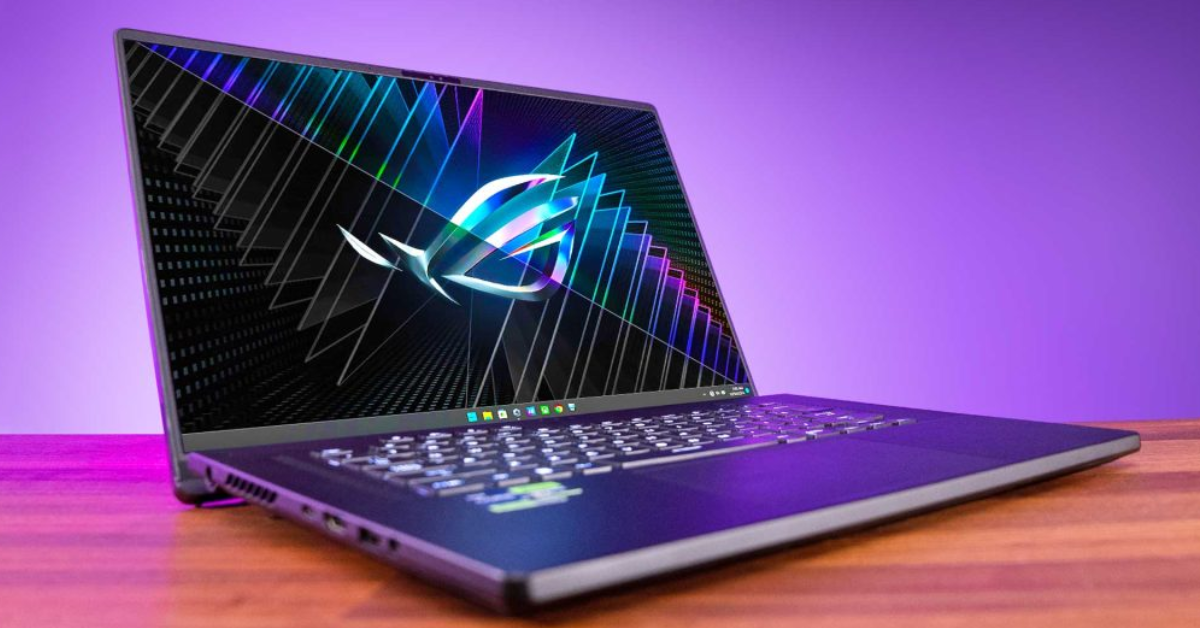
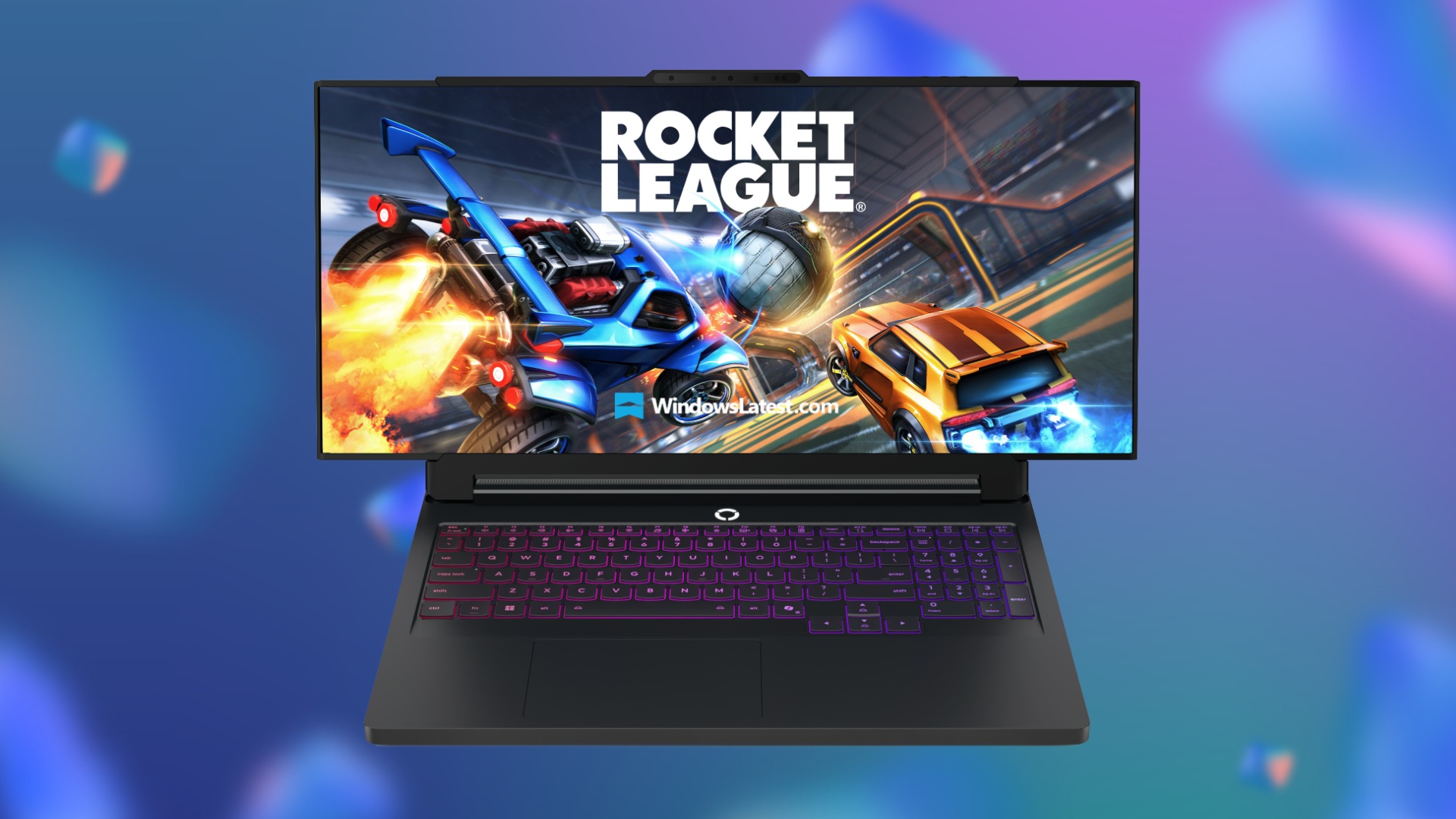


Check Out The Latest ROG Gaming Gear Revealed At CES 2026 . Gaming Laptops Are They Truly Worth It In 2024 Gaming Laptops . Lenovo To Release An Ultrawide Legion Pro Gaming Laptop With Rollable Lenovo Legion Go Pro Rollable . Best Gaming Laptops At CES 2026 RTX 5090 Options Dual Screen Picks Lenovo Legion Pro Rollable Concept. How Much For A PC Gaming Setup Cost Top 3 Gaming Laptops Of 2026 - The Ultimate Guide
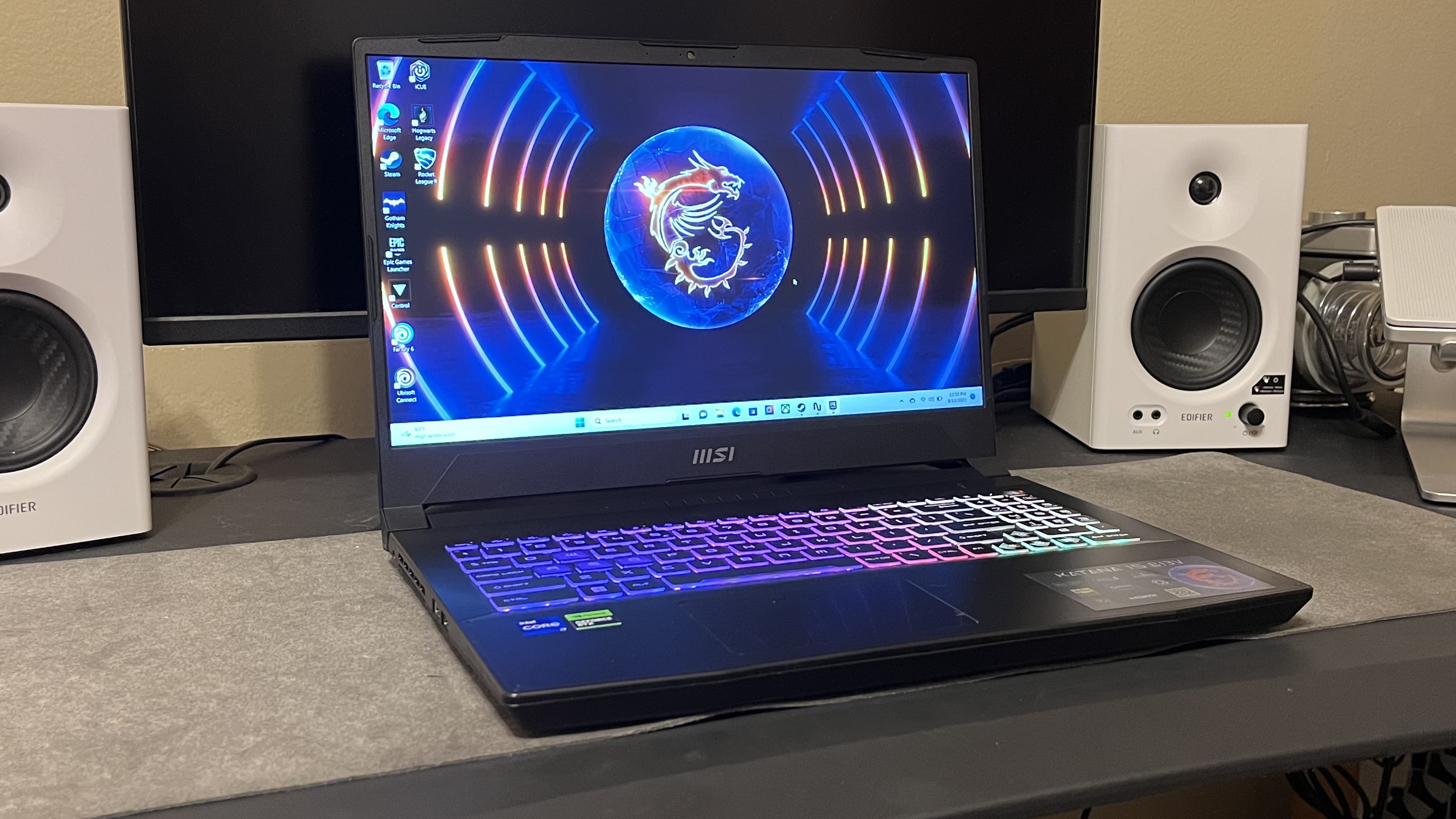


BEST GAMING LAPTOPS IN 2026 REVIEWED AND RANKED Technical . ASUS Revives Dual Screen Gaming With The 2026 ROG Zephyrus Duo ASUS ROG Zephyrus Duo 2026 Dual Screen Gaming Laptop Announced 20260106 183007 . C N C Nh H Sinh Th I AI M I L C A Asus T I CES 2026 . Red Magic Gaming Laptop 16 PRO 2026 Red Magic Gaming Laptop 16 PRO 2026 74474549hdx . Las Mejores Laptops Gamer De 2026 Gu A Para Elegir Best Laptop Ever

Top Gaming Laptops In 2026 For Epic Performance Top Gaming Laptops For 2026Most Powerful Picks . 5 Best Gaming Laptops 2026 Gaming Net Untitled Design . Best Budget Gaming Laptops 2026 Top Value Picks Best Budget Laptops For Gaming 2026 . Gaming On Snapdragon Laptops What To Expect In 2026. CES 2026 HyperX OMEN Gaming Laptops Have Been Revealed Ces 2026 Hyperx Omen Gaming Laptops Have Been Unleashed 2026 01 03 164747


Gaming Laptop For Work At Evelyn Lawson Blog . Lenovo Rollable Laptop Concept CES 2026 S Game Changing Laptop Lenovo CES 2026 Rollable Laptop Concepts 20260107 103129 . The New Asus Zenbook Duo 2026 Has The Potential To Be My Favourite Asus Zenbook 2026 4 . Best Retro Handheld 2026 My Portable Picks For Playing The Classics . Best Budget Gaming Laptop In 2026 That Can Actually Run AAA Games

First Look Latest ASUS Laptops At CES 2026 ASUS Global F89c7599 Ea33 468c Bfdf. The Best Cheap Gaming Laptop Deals In January 2026 OLEDs Take Big . Hands On At CES 2026 Lenovo Debuts Two New Rollable Concept Laptops Hero . The Best Asus Gaming Laptops 2026 GamesRadar . Games You Can Play On A Gaming Laptop 2026 Guide For New Casual Gamers Games You Can Play On A Gaming Laptop 1024x682


Acer Gaming Laptops That Ll Carry You Through 2026 Acer Corner Acer Gaming Laptops That 27ll Carry You Through 2026 . How To Optimize Gaming Laptop For Streaming Quickly Ctf Bnsf Com Msi Raider Ge78 Hx 17 3 Gaming Laptop . Best Laptops 2026 Top Picks For Every Budget Use Case Xthe Best Laptops 2026 Top Picks For Every Budget Use Case 750x350 . I M Extremely Excited And Even More Worried About What Changes Might . Best Gaming PC Deals 2026 Deals From Amazon Best Buy Newegg Dell


Top 5 Best Gaming Laptops For 2026 The Ultimate Guide 2026 Rank1one Gaming Laptops . Gaming Laptop Choice For Use Available Ideas Gaming Laptop . Can Gaming Laptops Be Used For Work Do And Donts Reasons You Should Use A Gaming Laptop For Work. Dell Unveils Ultra Slim And Entry Level Alienware Gaming Laptops At CES Alienware 38e863a74e . 2026 Guide Choosing Between A Gaming Laptop Or A Work Laptop Notebook Gamer Ou Para Trabalho Guia Completo De E 1775195895 1024x585