Are you a dedicated gamer still rocking Windows 7 and wondering if you can still dive into the vast world of Roblox? Many players balancing life and gaming find themselves with older systems, asking if their favorite platforms keep pace. This comprehensive guide, tailored for US gamers, dives deep into whether Roblox supports Windows 7 in 2026, the reasons behind current compatibility, and most importantly, what options you have if you're still using this operating system. We'll explore potential workarounds, the essential steps for upgrading, and the significant performance and security benefits of moving to a newer OS like Windows 10 or 11. Learn how to stay connected to your gaming friends, optimize your playtime, and make smart upgrade decisions without breaking the bank, ensuring you keep up with the latest trends in social gaming and skill building without the tech headaches. Discover practical solutions for common setup issues and budget-friendly hardware advice that resonates with busy adults who game to unwind and socialize.
Can I still launch Roblox on Windows 7 in 2026, even if it's not supported?
While you might be able to technically launch the Roblox client on Windows 7 in 2026, its functionality will be severely limited. Expect frequent crashes, inability to connect to games, missing features, and an overall unstable experience. Roblox no longer updates or optimizes for Windows 7, making it an increasingly unreliable platform for play.
What are the official minimum OS requirements for Roblox on PC right now?
The official minimum operating system requirements for Roblox on PC in 2026 are Windows 10 or Windows 11. Users running Windows 7, 8, or 8.1 will encounter compatibility issues and are strongly advised to upgrade their systems for a stable and secure gaming experience.
Are there any security patches or workarounds to make Windows 7 safer for Roblox?
No, there are no official security patches or recommended workarounds that can make Windows 7 safer or fully compatible with Roblox. Since Microsoft ended support for Windows 7, it no longer receives security updates, leaving it vulnerable to modern threats. Playing Roblox on such an OS exposes your account and personal data to significant risks.
Will my older hardware be compatible with Windows 10 or 11 if I upgrade from Windows 7?
Most hardware from the Windows 7 era can support Windows 10, though performance may vary. Windows 11 has stricter requirements, notably for a Trusted Platform Module (TPM) 2.0 and Secure Boot, which older systems might lack. It's crucial to check your specific PC's compatibility with the desired Windows version before attempting an upgrade.
How does playing Roblox on an unsupported OS impact my social gaming experience?
Playing Roblox on an unsupported OS like Windows 7 can severely impact your social gaming experience. You might face disconnections, inability to join friends in certain games, or lag that hinders cooperative play. Modern social features and voice chat often rely on updated system components and a stable OS connection, which Windows 7 cannot reliably provide.
Where can I find affordable upgrades or budget PCs compatible with Roblox?
For affordable upgrades or budget-friendly PCs compatible with Roblox, check reputable online retailers for refurbished desktops, explore deals on SSDs or RAM during sales events, or consider pre-built entry-level gaming PCs from brands like Dell, HP, or Lenovo. Local electronics stores and community marketplaces can also offer good value for money, especially for systems running Windows 10 or 11.
What impact does an outdated OS have on Roblox game performance?
An outdated OS like Windows 7 can significantly degrade Roblox game performance. You'll likely experience lower frame rates, stuttering, longer loading times, and potential crashes. Modern Roblox games are optimized for the graphical APIs and system efficiencies found in Windows 10 and 11, which Windows 7 cannot fully leverage, leading to a subpar and frustrating experience.
Ever feel like your gaming setup is a step behind, especially when everyone else is talking about the latest Roblox update or a trending social game? You're certainly not alone. Many of us, balancing demanding jobs, family life, and personal commitments, want to jump into popular titles like Roblox without a major tech overhaul. But if you're still on Windows 7, a common question arises: does Roblox support Windows 7? The short answer, as of 2026, is no, and understanding why is crucial for any gamer looking to optimize their experience, stay secure, and keep up with their friends online.
For US gamers, who often dedicate an average of 10+ hours a week to their passion, the push to stay current can be a real challenge. With 87% of gamers regularly engaging, the last thing you want is a technical roadblock keeping you from your relaxation and social play. This guide is built to help you navigate this specific issue, offering practical solutions and straight talk, so you can make informed decisions about your gaming future without the usual tech jargon or hype. Let's dive in and get you back to building skills, having fun, and connecting with your community.
Does Roblox Officially Support Windows 7 Anymore?
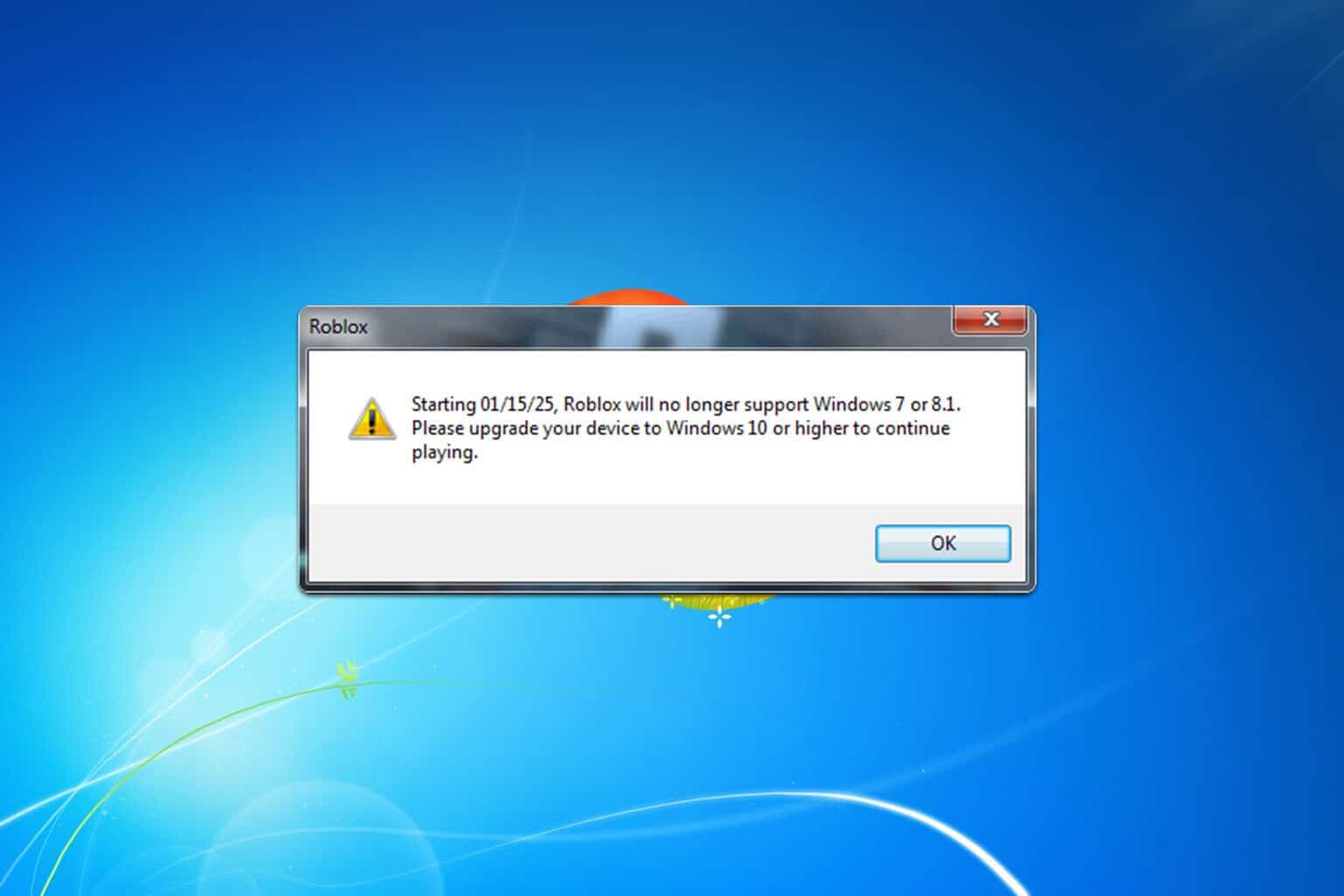
As of late 2023 and continuing into 2026, Roblox Corporation officially ended support for Windows 7. This means that while the game client might have technically run on Windows 7 in the past, it's no longer guaranteed to function correctly, receive updates, or offer the full, stable experience users expect. When Roblox releases new features, security patches, or performance optimizations, these are developed with current operating systems like Windows 10 and 11 in mind. Trying to play on Windows 7 will increasingly lead to compatibility errors, crashes, and missing functionalities.
Why Did Roblox End Support for Windows 7?
The decision by Roblox to discontinue Windows 7 support aligns with a broader industry trend. Microsoft itself ended mainstream support for Windows 7 years ago, meaning it no longer receives security updates or technical assistance. For platforms like Roblox, which prioritize user safety, a stable experience, and innovative features, relying on an outdated and unsupported operating system becomes a significant liability. Modern games leverage newer DirectX versions, improved memory management, and advanced security protocols only available on Windows 10 and 11. Continuing support for Windows 7 would mean compromising on these advancements, slowing down development, and potentially exposing players to greater security risks.
What Are My Options If I'm Still on Windows 7?
If Windows 7 is your primary operating system, you have a few clear paths forward to enjoy Roblox and countless other modern games. The most recommended solution is to upgrade your operating system. For those on a tight budget or with very old hardware, exploring Roblox on mobile devices (where mobile dominance in gaming continues to grow) or even console cross-play might be an option if you already own those platforms. However, for the best PC gaming experience, an OS upgrade is paramount.
How Can I Upgrade from Windows 7 to a Supported OS?
Upgrading from Windows 7 primarily involves moving to Windows 10 or Windows 11. Here's a general guide:
- Check System Requirements: First, confirm your PC meets the minimum requirements for Windows 10 or 11. Windows 10 is more forgiving for older hardware.
- Backup Your Data: Crucial step! Before any major OS upgrade, back up all your important files to an external drive or cloud service.
- Purchase a License: You'll likely need to purchase a legitimate Windows 10 or 11 license. Look for reputable retailers or Microsoft's official store. Budget-conscious gamers can often find good deals around major sales events.
- Clean Install (Recommended): For the smoothest transition and best performance, a clean install is often best. This involves creating a bootable USB drive with the Windows installation media, booting from it, and formatting your primary drive before installing the new OS.
- In-Place Upgrade (If Applicable): In some specific scenarios, an in-place upgrade might be possible, preserving your files and applications, but this is less common and often leads to more issues when jumping from Windows 7 to 10/11.
Many gamers find that a fresh install breathes new life into their machines, optimizing performance for games and daily tasks alike. It's an investment, but one that pays dividends in stability and access to new gaming experiences.
What Are the Performance and Security Risks of Playing on an Unsupported OS?
Playing Roblox on Windows 7 carries significant risks. From a performance standpoint, you're likely to encounter:
- Lower frame rates and inconsistent gameplay.
- Frequent crashes or freezes due to driver incompatibility or missing system libraries.
- Inability to access graphical enhancements or features optimized for newer OS versions.
- Slower load times and general system sluggishness.
Even more critically, there are severe security implications:
- Vulnerability to Malware: Without ongoing security updates, Windows 7 is a prime target for viruses, ransomware, and other malicious software.
- Compromised Personal Data: Your Roblox account, personal information, and even financial data used for in-game purchases could be at risk if your system is breached.
- Loss of Privacy: Outdated systems offer fewer protections against privacy exploits.
For gamers who balance their online activities with real-world responsibilities, these risks aren't worth taking. Protecting your data and ensuring a secure online environment is just as important as having fun.
Can I Still Play Roblox on an Older Budget PC After Upgrading OS?
Absolutely! The good news is that Roblox is known for its relatively low system requirements, making it accessible even on budget-friendly or slightly older PCs, provided they are running a supported operating system like Windows 10 or 11. Many gamers, particularly those balancing family budgets, opt for refurbished systems or small upgrades rather than a full new build. After upgrading your OS, you might consider small, impactful hardware upgrades like adding more RAM (8GB is a sweet spot for many budget builds) or a solid-state drive (SSD) for faster loading times. These small tweaks, combined with an updated OS, can significantly improve your Roblox experience without a massive financial outlay.
What About Other Games and Older Operating Systems?
The trend of dropping support for older operating systems isn't unique to Roblox. Major game developers and platforms are increasingly focusing on modern OS versions for better performance, security, and feature integration. This applies across the board, from social/cozy games to esports titles. If you're passionate about gaming and want to explore the full spectrum of titles available in 2026, including potential VR experiments or major releases, upgrading your OS is becoming less of an option and more of a necessity. Embracing a newer OS ensures you're ready for whatever the gaming world throws at you, from popular free-to-play titles to the next big social gaming trend.
Balancing Gaming Life How to Stay Current Without Breaking the Bank
We get it. Life happens. But staying current in gaming doesn't always mean buying the latest and greatest. Here are some tips for busy, budget-conscious gamers:
- Prioritize OS Upgrade: This is often the most cost-effective performance and security booster.
- Strategic Hardware Upgrades: Instead of a new PC, consider a RAM upgrade, an SSD, or a budget GPU.
- Free-to-Play Games: Many of this month's trending social and cozy games are free-to-play, offering huge value.
- Cloud Gaming: Explore services like Xbox Game Pass Ultimate or NVIDIA GeForce NOW. They let you stream high-end games to older hardware, requiring only a good internet connection.
- Community Wisdom: Join Discord servers or forums for games you love. You'll find tons of advice on optimizing performance on budget setups.
By making smart, informed choices, you can continue to enjoy your gaming passion, build skills, and connect with friends online without feeling left behind or straining your finances. It's about playing smarter, not just harder.
So, while Roblox might not officially support Windows 7 anymore, that doesn't mean your gaming journey has to end. With a little planning and perhaps an OS upgrade, you can smoothly transition to a modern, secure, and performant setup that keeps you in the game. It's about empowering yourself to keep enjoying the fun, relaxation, and social connections that gaming brings to our busy lives.
What's your biggest gaming challenge when balancing life and play? Comment below!
FAQ Section
Can I force Roblox to run on Windows 7?
While you might find unofficial workarounds online, forcing Roblox to run on Windows 7 is not recommended. It's likely to result in stability issues, poor performance, and you'll miss out on critical updates and features. This also carries significant security risks due to the unsupported nature of Windows 7 itself.
What is the minimum operating system for Roblox in 2026?
As of 2026, Roblox officially requires Windows 10 or Windows 11 as the minimum operating system for PC users. Earlier versions like Windows 7, 8, or 8.1 are no longer supported, meaning you'll need to upgrade to ensure full compatibility and optimal performance.
Will my existing Roblox games and Robux transfer if I upgrade my OS?
Yes, your Roblox account, including all your purchased Robux, inventory, and game progress, is tied to your Roblox account, not your operating system. After upgrading your OS and reinstalling Roblox, simply log in with your existing credentials, and everything will be exactly as you left it.
Are there any alternative platforms to play Roblox if I can't upgrade Windows?
If upgrading your Windows OS isn't an immediate option, you can still play Roblox on a variety of other supported platforms. Roblox is widely available on mobile devices (iOS and Android), Xbox consoles, and some VR platforms. This offers flexibility for gamers who want to continue playing without a PC upgrade.
What are the benefits of upgrading to Windows 10 or 11 for gaming beyond Roblox?
Upgrading to Windows 10 or 11 offers numerous benefits beyond just Roblox compatibility. You'll gain access to the latest DirectX versions for improved graphics, better system optimization for modern games, enhanced security features, and broader compatibility with new hardware and software. It future-proofs your gaming setup and overall PC experience.
Is Windows 10 or Windows 11 better for Roblox?
Both Windows 10 and Windows 11 provide excellent support for Roblox. Windows 11 generally offers slight performance improvements in some games due to its updated architecture and features like DirectStorage, but for Roblox, either OS will deliver a stable and optimal experience. The choice often comes down to personal preference or specific hardware compatibility.
How can I ensure my old drivers are compatible with a new Windows OS after upgrading?
After upgrading from Windows 7, you'll need to ensure all your device drivers are updated for Windows 10 or 11. The best approach is to visit your PC manufacturer's website or the websites of your component manufacturers (e.g., NVIDIA, AMD, Intel) to download the latest drivers. Windows Update will also automatically install many generic drivers, but specific hardware often benefits from manufacturer-provided ones.
Roblox no longer officially supports Windows 7. Running Roblox on Windows 7 can lead to performance issues and security risks. Upgrading to Windows 10 or 11 is highly recommended for optimal experience. Budget-friendly upgrade options exist for busy gamers. Maintaining a current OS ensures access to all Roblox features and communities.
35


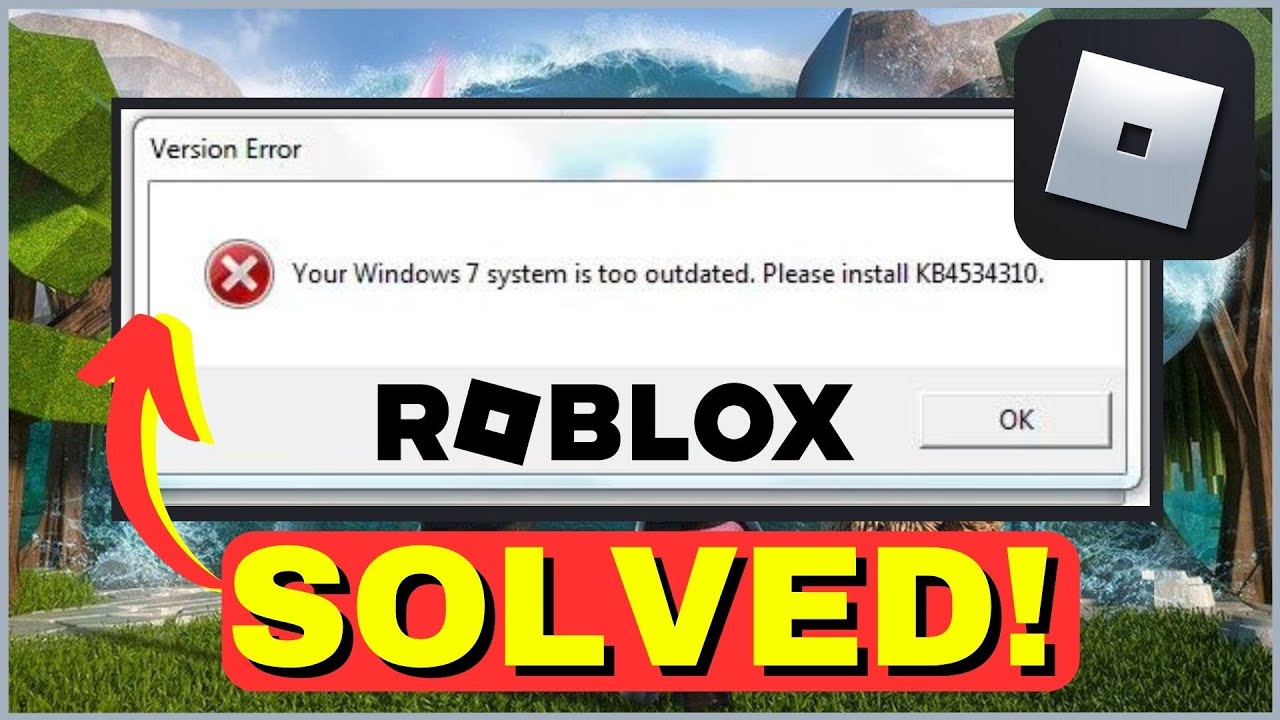
Roblox WORKING On Windows 7 In August 2025 YouTube . How To Install Roblox For Windows 7 Best And Simplest Method 2024 . Playing Roblox On Windows 7 YouTube . How To Play Roblox On Windows 7 2026 YouTube . How To Fix Your Windows 7 System Is Too Outdated Roblox YouTube



How To Play ROBLOX On Windows 7 In 2026 How To Play Roblox On Windows 7 1 1024x683 . How To Play Roblox On Windows 7 2024 How To Play Roblox On Windows 7 Hqdefault . How Do I Get Roblox On My 32 Bit Windows 7 Pc R RobloxHelp . Roblox Encerra O Suporte Ao Windows 7 Global Esport News Roblox Ends Windows 7 Support 3 696x348 . Does Windows 7 Support Roblox T M Hi U Kh N Ng T Ng Th Ch V L I Can You Still Run Roblox On Windows 7 Or Weakest V0



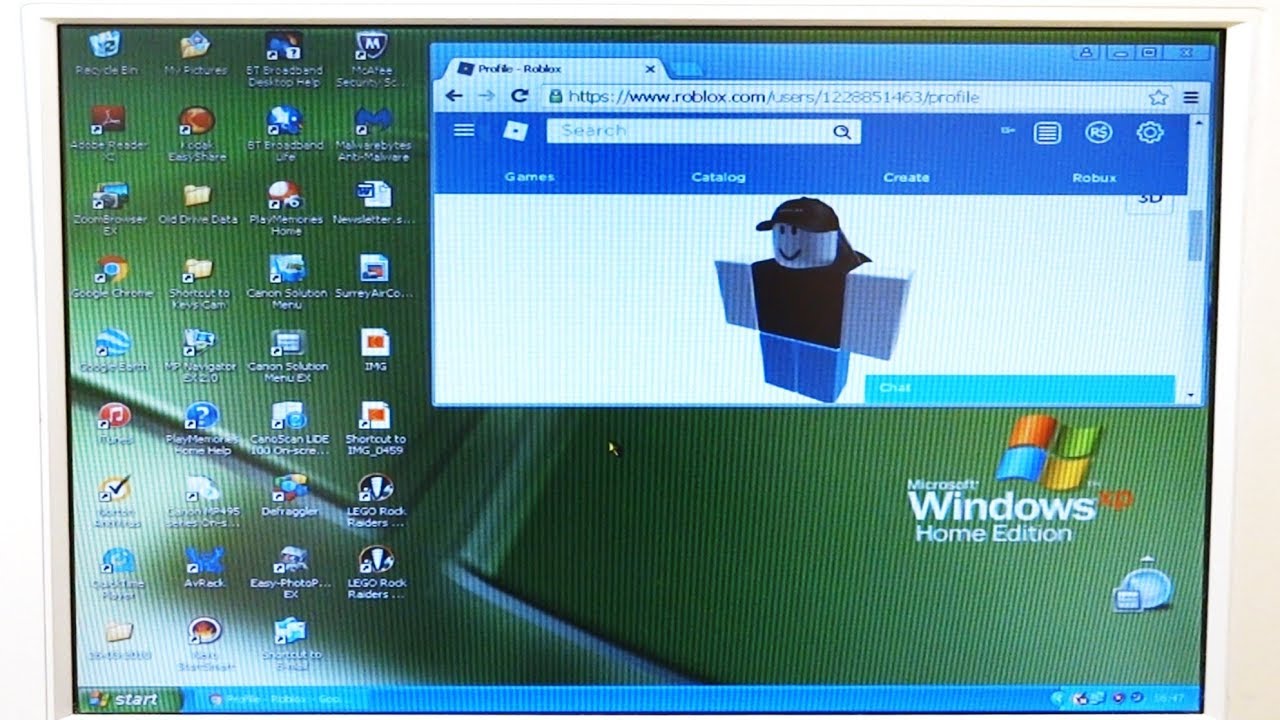
Playing Roblox On Windows 7 For The Last Time YouTube . How To Update Roblox In 2026 Fix Error Code 280 On PC Mobile Xbox Roblox Update It.webp. How To Play ROBLOX On Windows 7 In 2026 Roblox 1536x753 . Roblox Support AI Is It The Future Of Player Assistance How To Contact Roblox Support . Recpol Blog


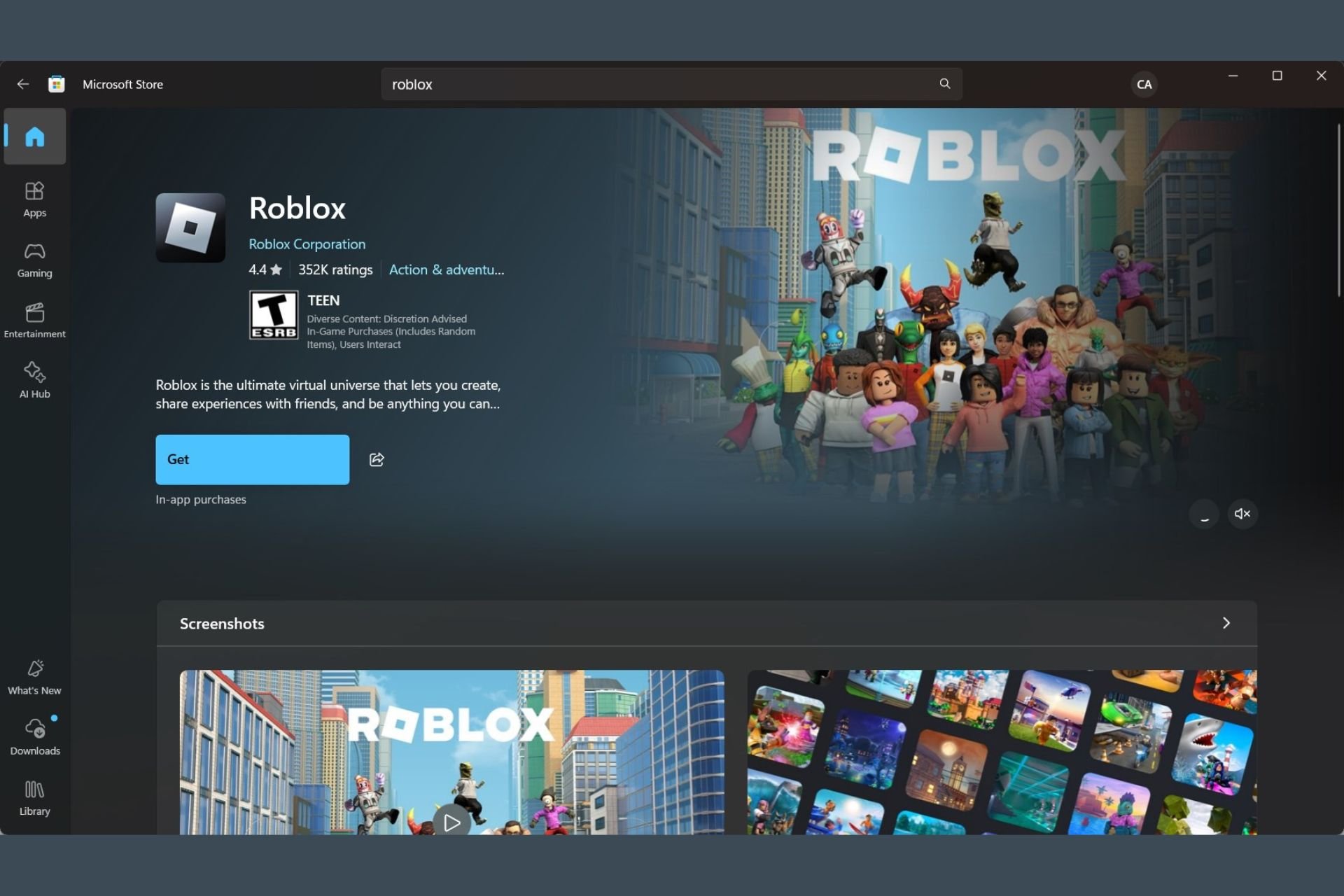

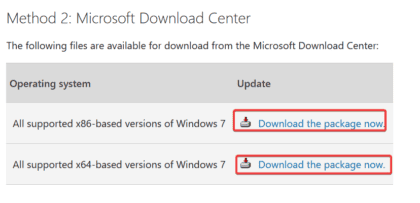
How Do You Update Roblox On Windows 11 For 2026 . Why Is Microsoft Roblox Not Working Solutions For 2026 Roblox . Roblox Not Working On Windows 7 How To Fix It Roblox Not Working On Windows 11 ARM . How To Install Roblox On A Computer Easily 2026 Guide . How To Play ROBLOX On Windows 7 In 2026 Sp1 Links 420x203




How Do You Update Roblox On Windows 11 For 2026 . A Mother Or Father S Information To Utilizing Roblox In 2026 Ivugangingo 2026 Parental Guide For Roblox Usage UnicMinds . How To Play Roblox On Windows 7 Maximum PC Guides How To Play Roblox On Windows 7 1024x576 . Definitive Guide To Roblox 2026 TM 07169 Definitive Guide To Roblox 2026 . How To Make A Roblox Game With AI Complete 2026 Guide Image


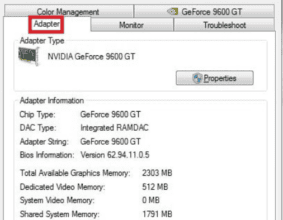
How To Install Roblox On A Computer Easily 2026 Guide Install Roblox Step 30 . How To Play ROBLOX On Windows 7 In 2026 Windows 7 Drive Space 300x233 . How To Play ROBLOX On Windows 7 In 2026 Windows 7 Package Download 700x263 . How To Play ROBLOX On Windows 7 In 2026 Download Windows 7 Update 300x132 . How To Play ROBLOX On Windows 7 In 2026 Windows 7 Video Card Information 283x220



Roblox Ends Windows 7 Support Roblox Press Image 1 . Roblox S Decision To End Support For Windows 7 A New Era Begins 78bd1d . How To Install Roblox On A Computer Easily 2026 Guide Select Roblox And Click. Como Instalar O Roblox No Windows 7 Gamelevate Com Roblox Download Windows 7 . Roblox Not Working On Windows 7 How To Fix It Roblox Windows 7 Not Working