This article dives deep into the burning question for many US gamers Balancing work family and life means every moment for gaming counts so your internet connection absolutely needs to deliver We explore whether 4G home broadband can truly stand up to the demands of modern gaming from casual mobile sessions to competitive console and PC play We will break down latency speeds data caps and stability offering practical advice for those looking to get the most out of their gaming experience without breaking the bank Discover if 4G is your next gaming ally or a potential bottleneck for your virtual adventures Stay updated with 2026 gaming trends and learn how to optimize your setup for seamless fun and connection even on a budget This comprehensive guide provides solutions to common gamer pain points helping you make informed decisions about your home internet for optimal gameplay and enjoyment
How critical is latency for online gaming on 4G?
Latency, or ping, is extremely critical for competitive and fast-paced online gaming. On 4G, typical latency can range from 40ms to over 100ms, which is significantly higher than the 10-30ms common with wired connections. High latency causes noticeable delays between your actions and what happens in the game, leading to disadvantages in shooters, fighting games, and other reaction-based titles. For casual or turn-based games, it's less critical, but serious gamers will feel the impact.
Can 4G home broadband handle multiple gamers or devices simultaneously?
Yes, 4G home broadband can handle multiple devices and even multiple gamers simultaneously, but its performance will be more variable than a wired connection. The total bandwidth is shared, so if one user is streaming 4K video while another is downloading a large game update, and a third is gaming, everyone's experience will likely suffer. Network congestion at the cellular tower and within your home network will also play a role. For optimal gaming, it's best to minimize other heavy internet usage.
What router features are essential for 4G gaming?
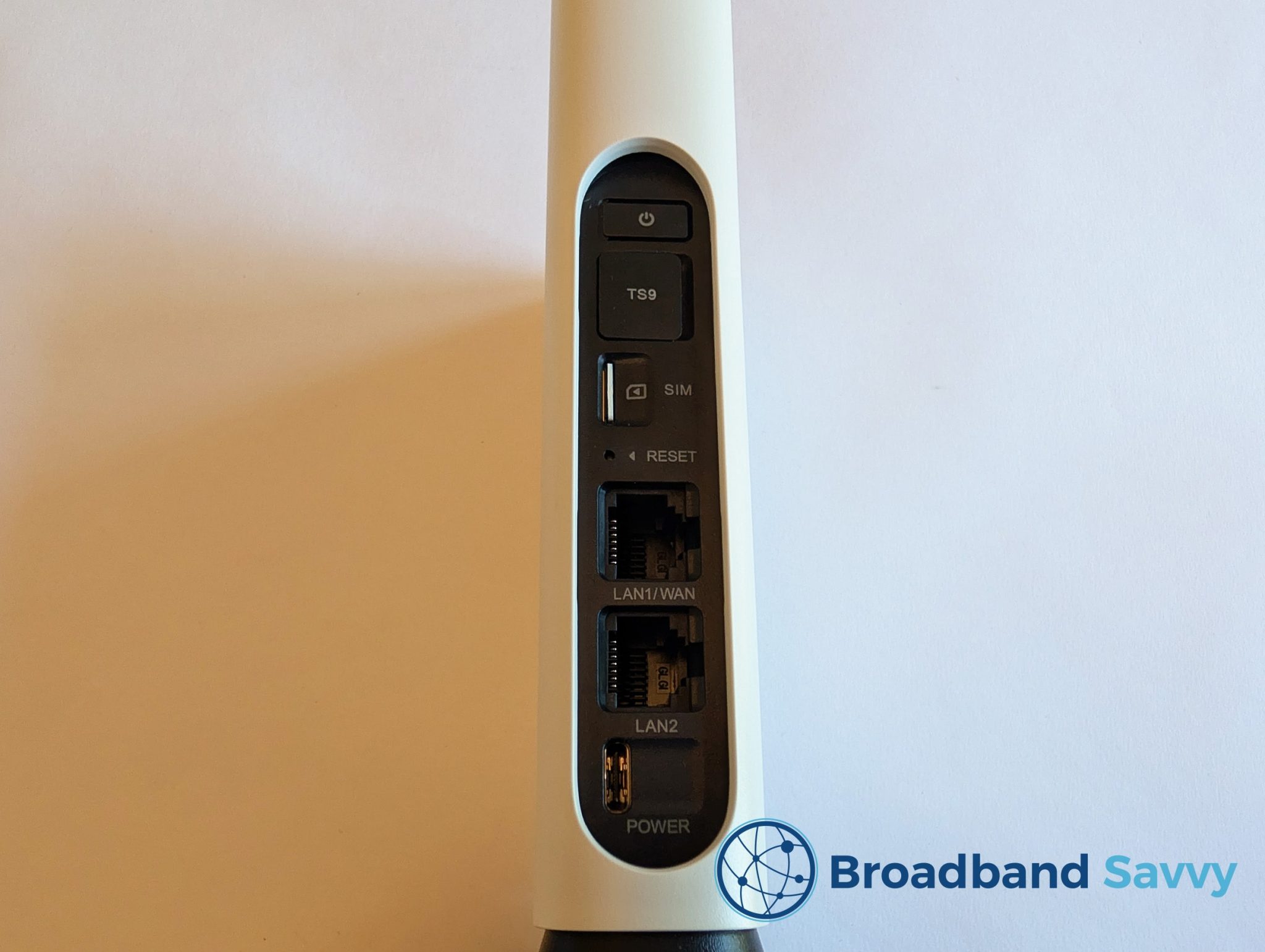
For 4G gaming, essential router features include strong signal reception capabilities, preferably with external antenna ports to boost signal. Look for routers that support Cat 6 or higher LTE for better speeds. Quality of Service QoS settings are highly beneficial, allowing you to prioritize gaming traffic. Ethernet ports are crucial for wired connections to your gaming rig, reducing local latency. A user-friendly interface for monitoring data usage and signal strength is also a big plus for managing your connection effectively.
Are data caps a dealbreaker for most gamers on 4G?
Data caps can be a significant dealbreaker for many US gamers, especially those who regularly download new titles, install large updates, or stream their gameplay. Modern games frequently exceed 100GB in size for initial downloads, with monthly patches adding tens of gigabytes. With typical 4G plans offering 100-500GB, active gamers can quickly hit these limits, leading to throttled speeds or costly overage fees. For casual gamers with minimal downloads, it might be manageable, but for most, it requires careful data management.
What's the difference between 4G and 5G home broadband for gaming?
The primary difference between 4G and 5G home broadband for gaming lies in speed and latency. 5G offers significantly faster theoretical speeds, often comparable to fiber, and critically, much lower latency, frequently below 30ms in ideal conditions. This makes 5G a far more viable and superior option for competitive online gaming. 4G, while more widespread, generally provides lower speeds and higher, more inconsistent latency, making it less ideal for performance-critical gaming.
How can I test my 4G connection for gaming suitability before committing?
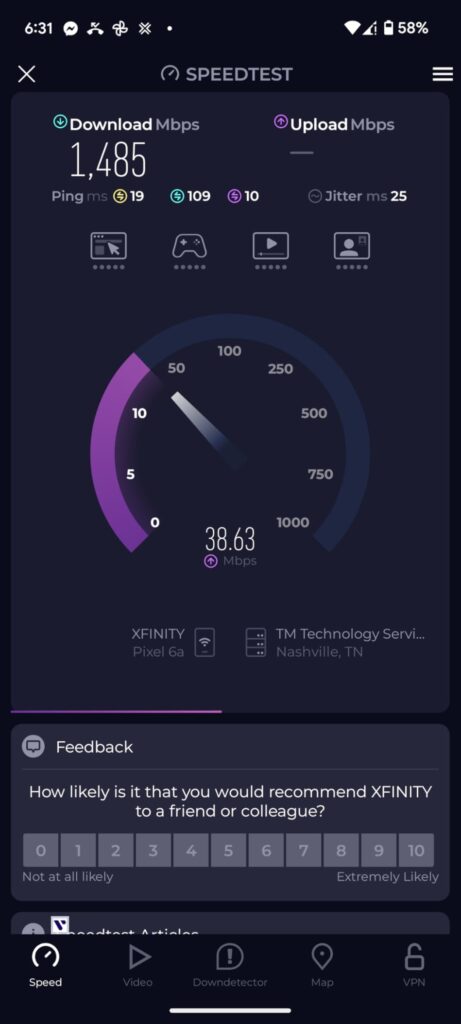
To test 4G for gaming suitability, first use a mobile hotspot or a friend's 4G connection in your intended gaming location to run speed tests and ping tests to various game servers. Use a dedicated ping test tool or a website like Speedtest.net and look for consistent latency values. Pay attention to jitter, which indicates inconsistency. Test during peak gaming hours (evenings, weekends) to gauge real-world congestion. This will give you a realistic expectation of performance before subscribing to a dedicated 4G home broadband plan.
Is 4G reliable enough for esports viewing or game downloads?
4G home broadband can be reliable enough for esports viewing, especially if you're streaming at 720p or 1080p, assuming a stable signal and sufficient speeds 20Mbps. However, 4K streaming might buffer. For game downloads, 4G is generally reliable in terms of connection stability, but the speed will dictate how long it takes. For multi-gigabyte games, expect extended download times, potentially hours or even a full day for very large titles, which also quickly eats into any data caps. It is not ideal for frequent large downloads.
In 2026, life moves fast. For many of us, the average gamer is around 36 years old, juggling careers, family, and a myriad of responsibilities. Gaming isn't just a hobby; it's a vital escape, a way to unwind, connect with friends, build skills, and just have some fun. With over 87% of US gamers regularly dedicating 10+ hours a week to their passion, often across mobile, PC, and console platforms, a reliable internet connection isn't just a luxury—it's foundational. We want performance, value for money, and an experience that lets us dive into the latest social games or grind through a competitive season without frustration. But what happens when traditional wired broadband isn't an option, or you're looking for a flexible alternative? The question arises: is 4G home broadband good for gaming?
You might be living in a rural area where fiber hasn't reached, or maybe you're frequently on the move. Perhaps you just want to avoid the hassle of cable installations. Whatever your situation, the allure of a plug-and-play internet solution like 4G home broadband is strong. But as any gamer knows, a great connection isn't just about speed; it's about stability, low latency, and enough data to keep up with massive game updates and online sessions. This comprehensive guide will cut through the hype, addressing common pain points and offering practical solutions to help you understand if 4G home broadband can truly be your gaming ally or if it's a battle you'd rather avoid.
What Exactly Is 4G Home Broadband and How Does It Connect Gamers?
4G home broadband, often referred to as mobile broadband, utilizes the cellular network to provide internet access to your home. Instead of a physical fiber optic cable or coaxial line running into your house, you use a dedicated router that contains a SIM card, much like your smartphone. This router captures the 4G cellular signal from nearby towers and converts it into a Wi-Fi signal for your devices. It's essentially turning a mobile data connection into a home network, offering a portable and often quick-to-set-up alternative to traditional fixed-line services.
For gamers, this means flexibility. You can potentially get online without waiting for an installer or dealing with complex wiring. However, its reliance on cellular signals introduces variables that wired connections typically avoid. Signal strength, tower congestion, and distance from the tower all play critical roles in the quality of your connection. While convenient, understanding these underlying mechanisms is key to managing expectations for gaming performance on 4G home broadband.
Is 4G Home Broadband Good for Gaming in Terms of Speed and Latency?
When it comes to speed, 4G home broadband can offer download speeds ranging from 20 Mbps to 100 Mbps, or even higher in ideal conditions. For casual gaming, this might sound perfectly adequate. Many online games don't require super high download speeds to function, as the actual in-game data transfer is relatively small. However, large game downloads and updates, which are increasingly common with modern titles often exceeding 100GB, will take significantly longer on the lower end of that speed spectrum. Remember, this month alone saw several major game patches that taxed even high-speed connections.
The real Achilles' heel for competitive gaming on 4G is **latency**, also known as ping. Latency is the time it takes for a data packet to travel from your device to the game server and back. Wired connections can often achieve ping times under 20-30ms, ideal for fast-paced shooters or fighting games where split-second reactions matter. 4G connections, due to the nature of cellular networks and the additional hops data must make, typically have higher latency, often ranging from 40ms to over 100ms. In some congested areas, it can spike even higher. This can result in noticeable input lag, 'rubber banding,' or missed shots, which is incredibly frustrating for gamers who value performance optimization and skill-building.
How Do Data Caps and Network Congestion Impact Your 4G Gaming Experience?
Data caps are arguably the biggest practical hurdle for gamers considering 4G home broadband. Unlike many unlimited wired plans, 4G providers often impose strict monthly data limits, ranging from 100GB to several hundred GBs. Given that a single game download can easily consume 50-150GB, and monthly updates for popular titles like Call of Duty, Fortnite, or even larger RPGs can add tens of gigabytes, these caps can be quickly exhausted. Streaming gameplay or downloading new titles frequently will make you hit that limit in no time, leading to throttled speeds or expensive overage charges. This directly impacts the value for money aspect that budget-conscious gamers prioritize.
Network congestion is another critical factor. Because 4G operates on shared cellular towers, your connection quality can fluctuate significantly based on how many other users in your area are simultaneously using the network. Peak hours (evenings and weekends) often coincide with prime gaming time, leading to slower speeds and higher latency. This variability means that even if your connection tests well at 3 AM, it might struggle to keep up with your preferred social gaming session on a Friday night. It's a common pain point for gamers balancing work and life—when you finally get time to play, your internet might be letting you down.
Which Types of Games Are Best Suited for 4G Home Broadband?
Not all games are created equal when it comes to internet demands. 4G home broadband can be perfectly adequate for certain types of gaming, especially if you have a decent signal and reasonable latency. Games that are less sensitive to latency and don't require constant, high-volume data transfer are usually the best fit. Think about games that prioritize relaxation and fun over hyper-competitive performance.
Single-Player Offline Games: Naturally, these are a perfect fit. Once downloaded (which might take a while on 4G), your internet connection is largely irrelevant for gameplay.
Turn-Based Strategy Games: Games like Hearthstone, Civilization VI, or Slay the Spire don't require real-time, instantaneous reactions, making them forgiving of higher latency.
Casual Mobile Games: Many popular mobile titles, even online ones, are designed to be played on varying network conditions, including 4G. This aligns with the mobile dominance trend in US gaming.
Cozy Games & Simulation Games: Animal Crossing: New Horizons, Stardew Valley, or The Sims 4 (with occasional online features) can run smoothly on 4G. These are often about social play and building, not competitive reflexes.
MMOs (non-raid content): For questing, exploring, or crafting in an MMO like World of Warcraft or Final Fantasy XIV, 4G can work. However, highly coordinated raids or PvP might suffer from latency spikes.
Avoid fast-paced multiplayer shooters, fighting games, or esports titles where every millisecond counts, unless your 4G signal is exceptionally strong and uncongested.
Can 4G Home Broadband Handle Multiplayer Gaming and Voice Chat?
Engaging in multiplayer gaming and voice chat is a core part of the modern gaming experience for many US gamers. Connecting with friends on Discord while navigating a dungeon or strategizing in a team-based game is essential for social play and building camaraderie. 4G home broadband can certainly handle voice chat and general multiplayer connectivity, but with caveats.
For voice chat services like Discord, Teamspeak, or in-game voice, the data usage is relatively low, and the primary concern is consistent latency. If your 4G connection has stable, moderate latency (e.g., under 60-70ms), voice chat should generally work fine without significant drops or stuttering. However, if your latency is consistently high or prone to frequent spikes, your voice might cut out, or you could experience delays, making communication frustrating.
Multiplayer gaming itself will depend heavily on the game type, as discussed. For less demanding titles, 4G can facilitate online play. For competitive, real-time games, you might find yourself at a disadvantage due to higher ping. If your household has multiple devices simultaneously trying to game, stream, or download on a single 4G connection, congestion on your local network (not just the cellular tower) can also become an issue, impacting everyone's experience. It's about finding that balance between what you need and what the technology can reliably deliver.
What Are the Best Ways to Optimize Your 4G Home Broadband Setup for Better Gaming Performance?
If 4G home broadband is your primary or only option, don't despair! There are several budget-friendly tips and tricks you can employ to squeeze out the best possible gaming performance:
Router Placement is Key: Place your 4G router in an elevated position, near a window, and facing the nearest cellular tower if possible. Obstructions like thick walls or metal can significantly degrade signal strength. Experiment with different locations in your home for the strongest signal.
External Antennas: Many 4G routers have ports for external antennas. Investing in a good quality outdoor or indoor directional antenna can dramatically improve signal reception, leading to better speeds and potentially lower latency. This is often the single most effective upgrade.
Use an Ethernet Cable: Whenever possible, connect your gaming PC or console directly to your 4G router via an Ethernet cable. This bypasses Wi-Fi interference and generally provides a more stable, lower-latency connection locally.
Prioritize Gaming Traffic (QoS): Some advanced 4G routers offer Quality of Service (QoS) settings. This allows you to prioritize gaming traffic over other activities like streaming or downloads, ensuring your game gets the bandwidth it needs during peak usage.
Limit Background Usage: Ensure no other devices on your network are downloading large files, streaming in 4K, or performing heavy uploads while you're gaming. Even smartphone app updates can consume precious bandwidth.
Check for Firmware Updates: Keep your 4G router's firmware updated. Manufacturers often release updates that improve performance, stability, and security.
Monitor Your Data: Regularly check your data usage through your provider's app or router interface to avoid hitting data caps unexpectedly and incurring throttling or extra charges.
Implementing these strategies can make a noticeable difference, transforming a mediocre 4G connection into a serviceable one for many gaming needs.
When Should a Gamer Consider 4G Home Broadband as Their Primary Internet?
While 4G home broadband isn't the go-to for every gamer, it shines in specific scenarios, aligning with the realities of modern life and budget constraints. You should seriously consider 4G home broadband as your primary internet solution if:
You Live in a Rural or Underserved Area: This is perhaps the most common reason. If fiber optic or cable internet simply isn't available where you live, or the DSL speeds are prohibitively slow, 4G can be a significantly better alternative, offering much higher speeds for general browsing and casual gaming.
You Prioritize Portability and Flexibility: If you move frequently, travel for work, or want a single internet solution that can come with you to a vacation home, a 4G home broadband router offers unparalleled flexibility. It's plug-and-play, avoiding installation fees and long-term contracts tied to a specific address.
You Are a Casual Gamer: If your gaming habits lean towards single-player experiences, turn-based games, mobile gaming, or less latency-sensitive multiplayer titles, and you don't frequently download massive new releases, 4G can easily meet your needs without overspending on a high-tier wired plan you don't fully utilize.
You Need a Reliable Backup: Even if you have wired internet, a 4G home broadband setup can serve as an excellent backup. Should your primary connection go down during a crucial gaming session or work call, 4G can keep you online.
Budget-Conscious for Moderate Use: For users who find traditional broadband plans too expensive for their actual usage, and who can manage their data consumption, some 4G plans might offer better value, especially for those who mainly game on mobile and occasionally on console/PC.
It's about understanding your specific gaming needs and matching them to the technology's strengths, rather than expecting it to be a direct replacement for dedicated high-speed fiber in all scenarios.
Are There Budget-Friendly Alternatives or Upgrades to Enhance 4G Gaming?
Even if 4G is your chosen path, there are ways to enhance your experience without breaking the bank, catering to the budget-conscious gamer. Beyond the optimization tips mentioned earlier, consider these:
Gaming-Specific 4G Plans: Some carriers are starting to offer plans marketed towards gamers. While not always true
4G gaming performance varies based on location and network congestion Latency ping is crucial for competitive online gaming 4G can be inconsistent Data caps are a major concern for gamers especially with large game downloads and updates Setup is often quick and easy offering portability Best for casual less latency-sensitive games or as a backup connection Not ideal for serious esports or streaming unless 5G is available or 4G signal is exceptionally strong and uncongested Cost-effectiveness depends on data usage and plan pricing Consider router quality and external antennas for signal optimization
35#1 Gallery is 4g home broadband good for gaming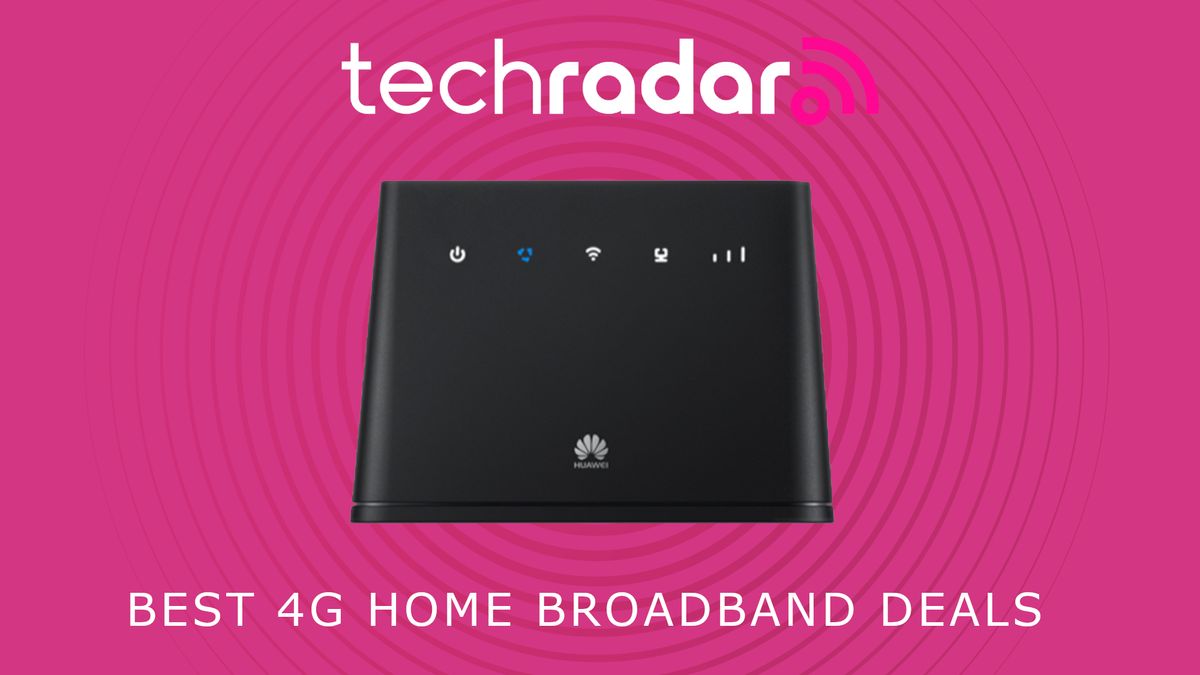

)
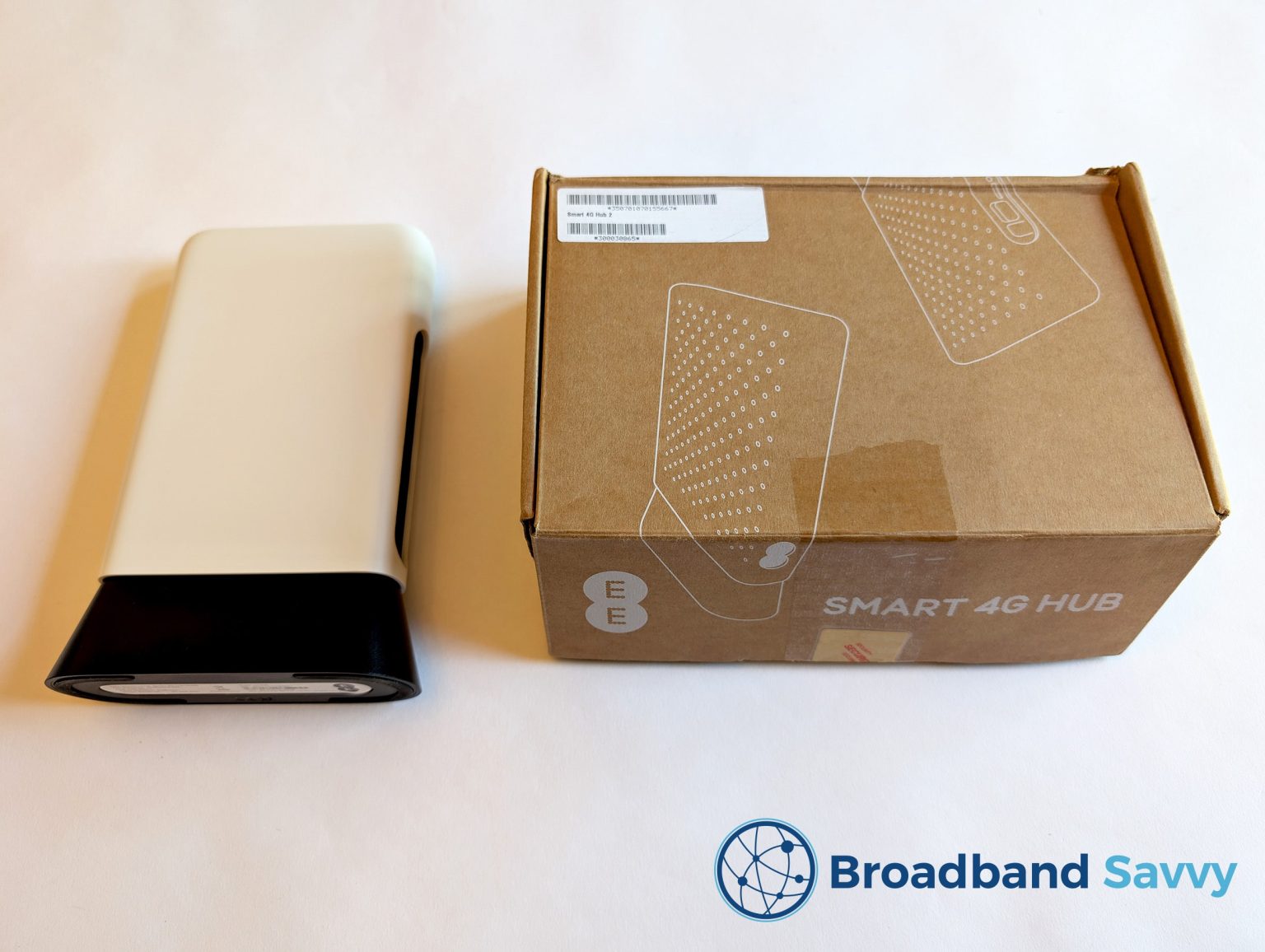
Best 4G Home Broadband Deals In June 2026 TechRadar 1200 80 . What Is A Good Internet Speed For Gaming 2026 Cable TV Info What Is A Good Internet Speed For Gaming . What Is Ultrafast Broadband Speeds Benefits And How It Works In 2026 Filters Quality(75). EE 4G Home Broadband Review Smart 4G Hub WiFi Router Ee Smart 4g Hub With Box Min 1536x1156 . What Is A Good Internet Speed For Gaming Good Internet Speed For Gaming.webp
#2 Gallery is 4g home broadband good for gaming


Best Wireless Broadband Plans Australia 2026 For Homes Best Wireless Broadband Plans Australia For Homes And Work In 2026.webp. Best Broadband For Gaming 2025 Low Latency Fast Speeds Is BT Full Fibre Broadband Good For Gaming.webp. The 4 Best RAM For Gaming In 2026 Top DDR4 DDR5 Kits Best 5g Internet For Gaming 2026 Hero. Starlink For Gaming Is It Good For Online Games In 2026 80e957 768x432 . All Survive Lava For Brainrots Rebirth Guide March 2026 Best LTE 5G Backup Router For Home Internet Redundancy 1024x559
#3 Gallery is 4g home broadband good for gaming


Best Broadband For Gaming UK August 2025 Cybernews Best Broadband For Gaming . What Is A Good Ping For Gaming VideoGamer Is 4g Good For Gaming 314x177 . Top 5 Internet Providers For Gaming In 2026 Best Internet For Gaming . Is 5G Good For Gaming EarthLink Blog Post Thumbnail Is 5G Wireless Home Internet Good For Gaming . The Best 4G Home Broadband Deals In September 2023 TechRadar 1200 80
#4 Gallery is 4g home broadband good for gaming
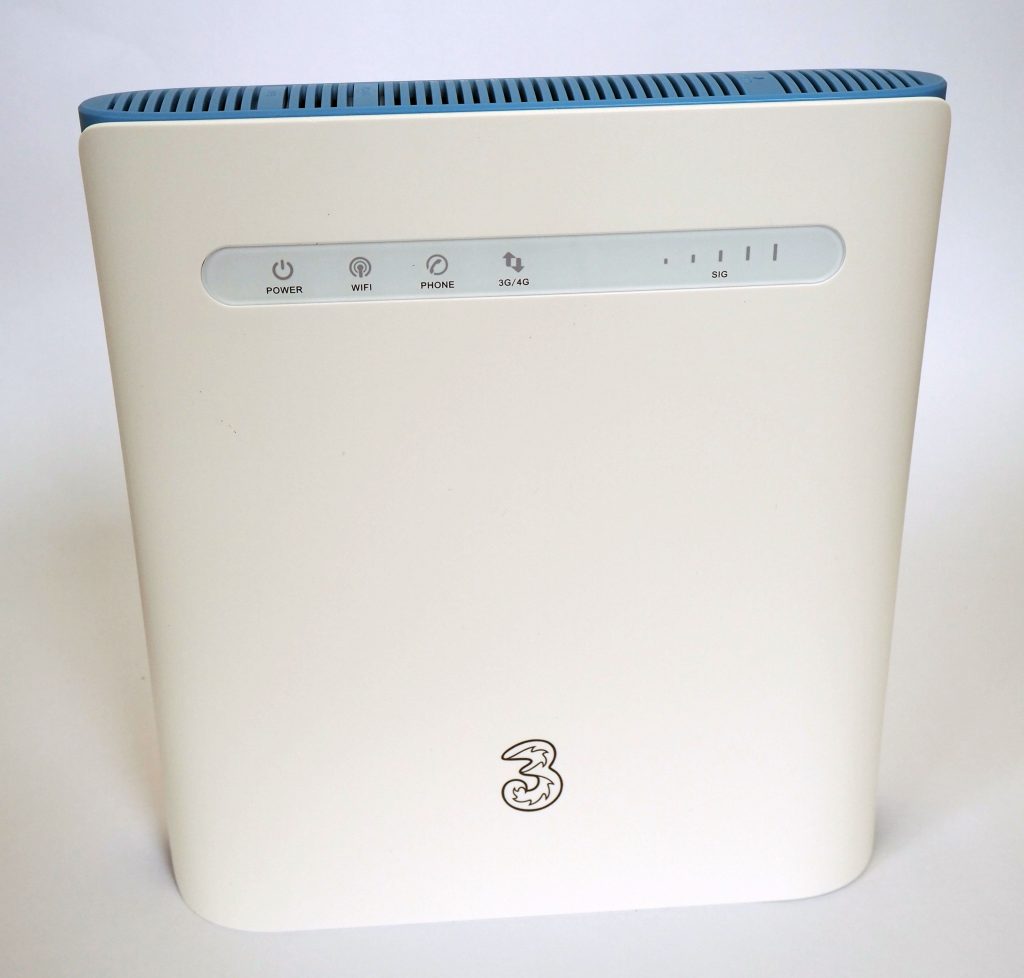
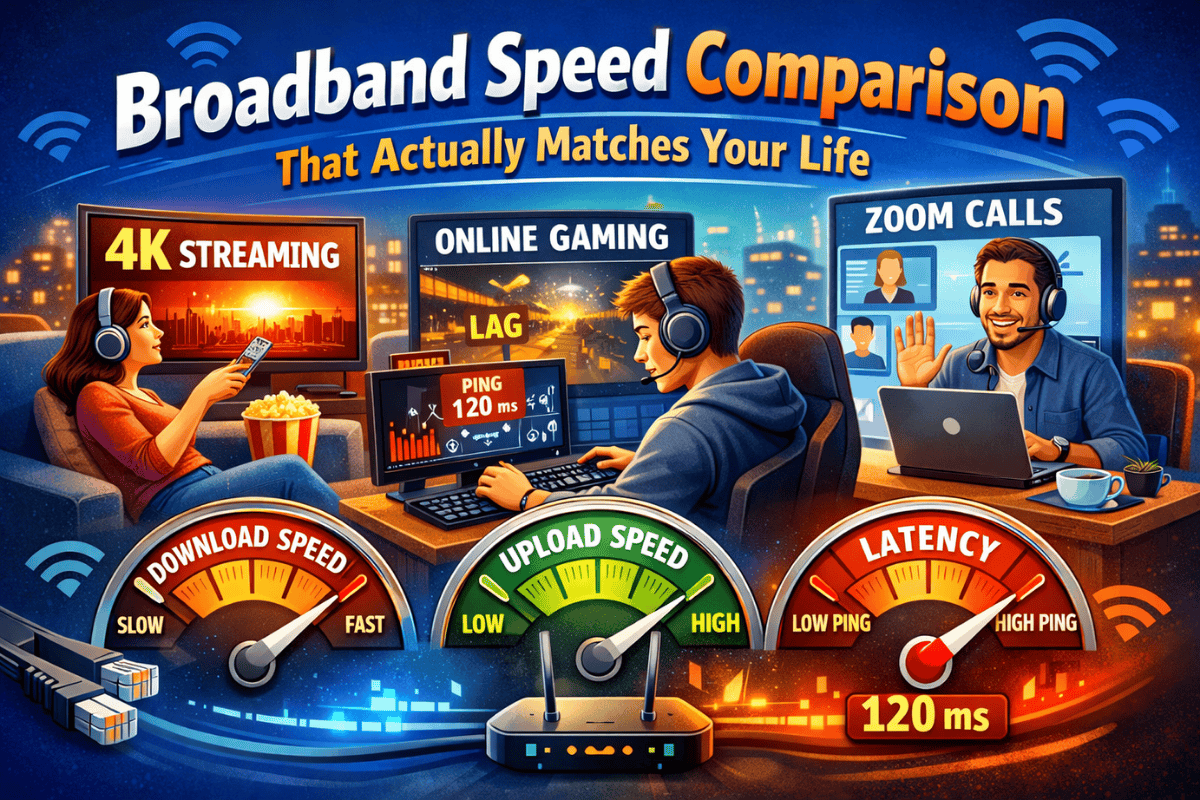
What Is A Good Internet Speed For Gaming 2024 What Is A Good Internet Speed For Gaming 2024 Blog Image . EE 4G Home Broadband Review 4GEE Home Router 3 40Mbps Speed 4G Home Broadband Deals 1024x614 . Is 5G Home Internet Good For Gaming 5G Gaming Internet Image 2023 09 11t12 45 03 647z. Three 4G Hub Review Is Three 4G Broadband Any Good Three 4g Hub Min 3 1024x978 . Broadband Speed Comparison Find The Right Speed For You Broadband Speed Comparison Find The Right Speed For You
#5 Gallery is 4g home broadband good for gaming
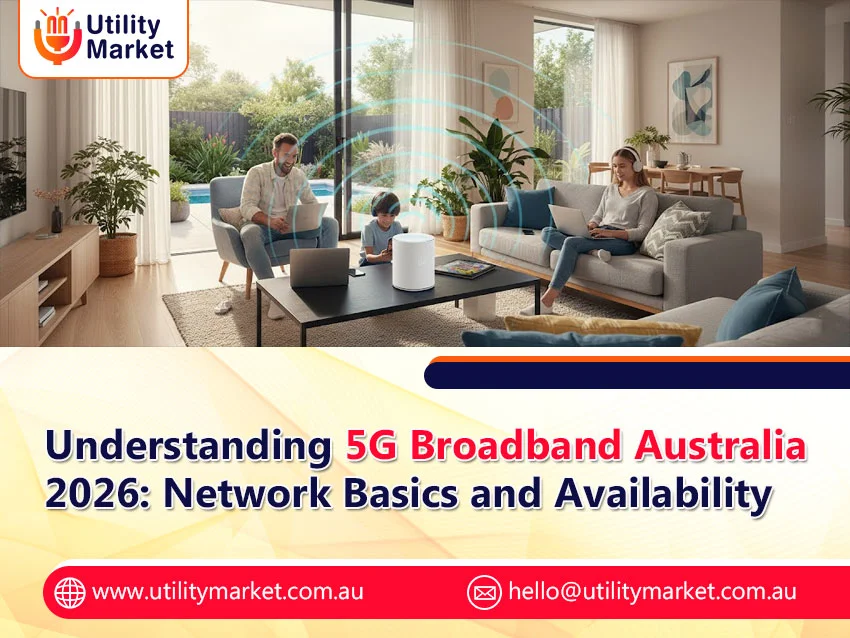
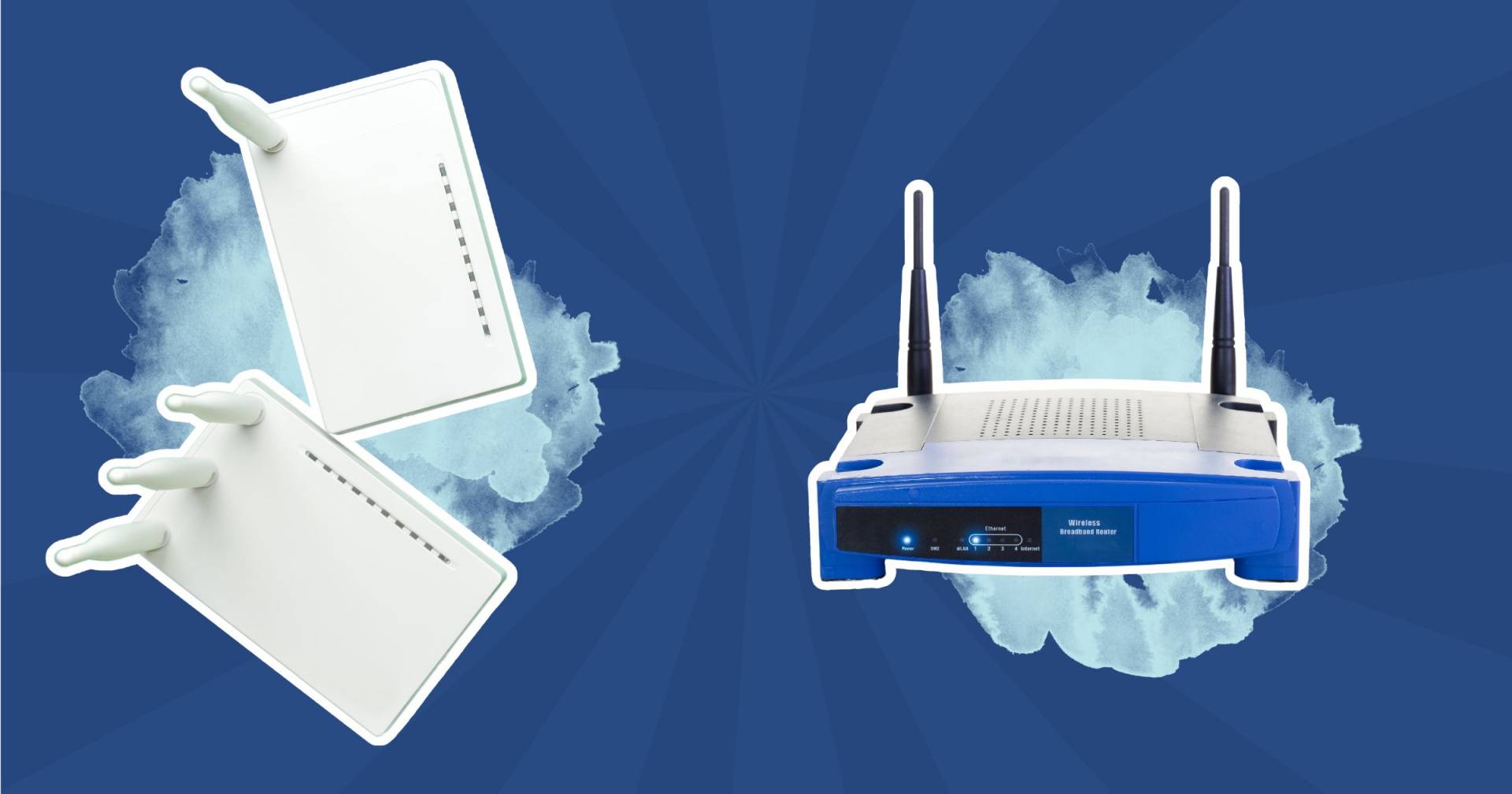

Is Verizon 5G Home Internet Good For Gaming 2026 YouTube . Broadband Speed Trends In Australia Know What You Pay For 5G Broadband. The Good Internet Routers For Gaming In 2026 Good Internet Routers For Gaming 1683862854 1920 60 . Is 1 Gig Internet Good For Gaming Here S The Truth 1 Gig Internet Good For Gaming 1 1. Is Starlink Internet Good For Gaming In 2025 95c13c02 6d6d 4688 8d3f
#6 Gallery is 4g home broadband good for gaming
Is Starlink Internet Good For Gaming In 2025 E13294b8 E8f9 495b Aaa8 . EE 4G Home Broadband Review Smart 4G Hub WiFi Router Ee Smart 4g Hub Min . What Is Good Internet Speed For Gaming Your Ultimate Guide Premier What Is Good Internet Speed For Gaming Gaming 768x431 . Is EarthLink Internet Good For Gaming Our Complete 2026 Performance Guide Is EarthLink Internet Good For Gaming In 2026 . Is EarthLink Internet Good For Gaming Our Complete 2026 Performance Guide Competitive Online Gaming Speed
#7 Gallery is 4g home broadband good for gaming


Best 4G 5G Home WiFi Routers In The UK 2026 Guide EFones Com Smart.webp. 10 Best Routers For Gaming June 2026 Tested B0DVBP5L6Y Customer 2 5 461x1024 . Best Internet For Gaming In 2026 Fast Speeds Top ISPs Best Internet For Gaming 1024x576 . EE 4G Home Broadband Review Smart 4G Hub WiFi Router Ee Smart 4g Hub Io Min 2048x1542 . T Mobile Home Internet Vs Spectrum 2025 Review Why I Switched Gaming Latency Is Spectrum Or T Mobile Home Internet Good For Gaming